How to use reharmonization in your remixes
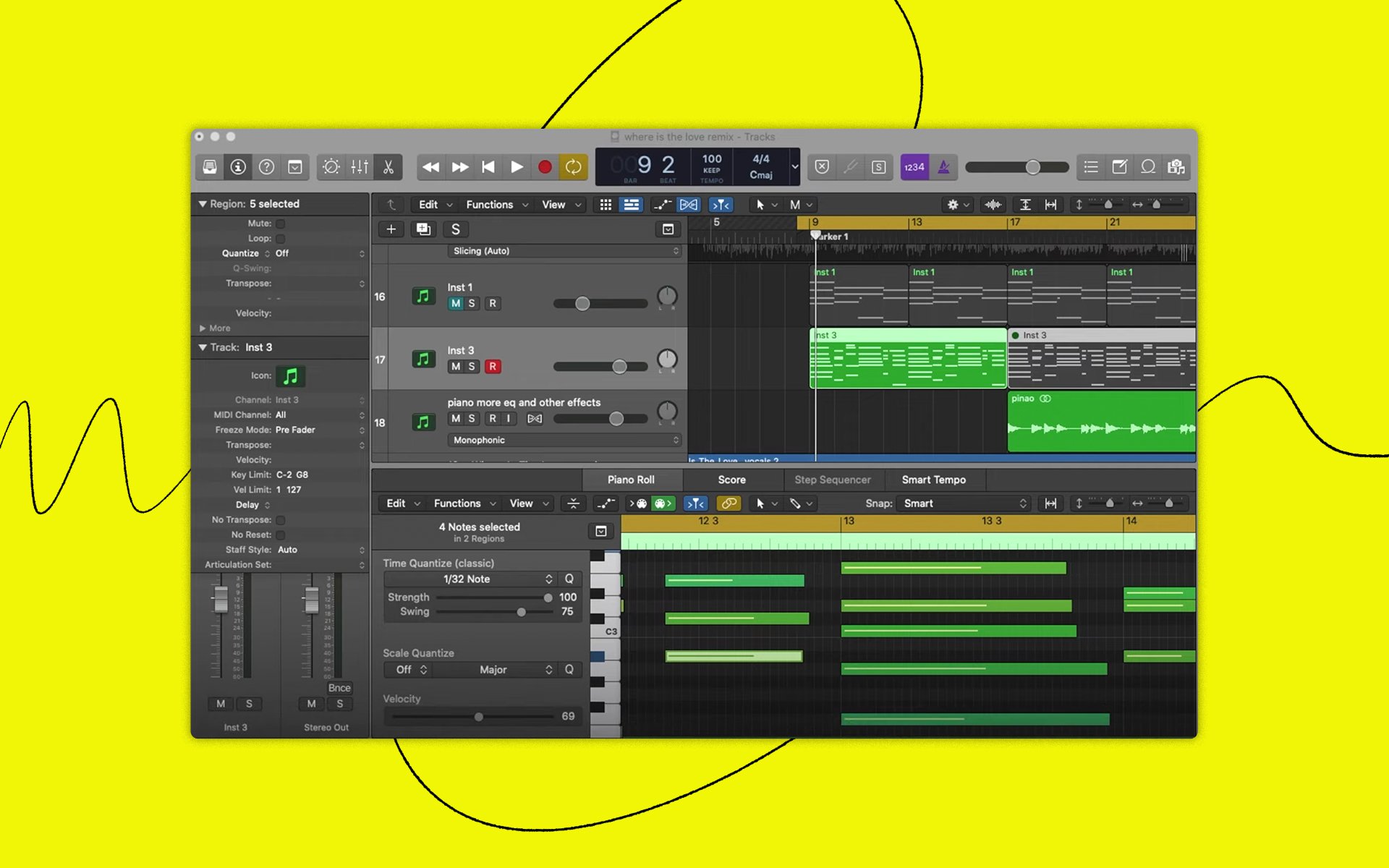
In this tutorial video, we demonstrate how you can use reharmonization to add a whole new flavor to your remixes' chord progressions.


.svg)
.svg)

Explore tutorials and guides that focus on the ins-and-outs of specific DAWs spanning Ableton Live, FL Studio, Logic Pro, and more.
In this tutorial video, we demonstrate how you can use reharmonization to add a whole new flavor to your remixes' chord progressions.
Whether it's taking a minimalist approach or inverting chord voicings, these simple but effective ideas will help you create music that's intuitive and impactful.
We depart our current universe and dive into the world of Cyberpunk 2077, constructing a track from scratch in the style of the highly-anticipated game's soundtrack.
We take a trip down memory lane and explore every version of FL Studio released to date (that we can open using our current computer).
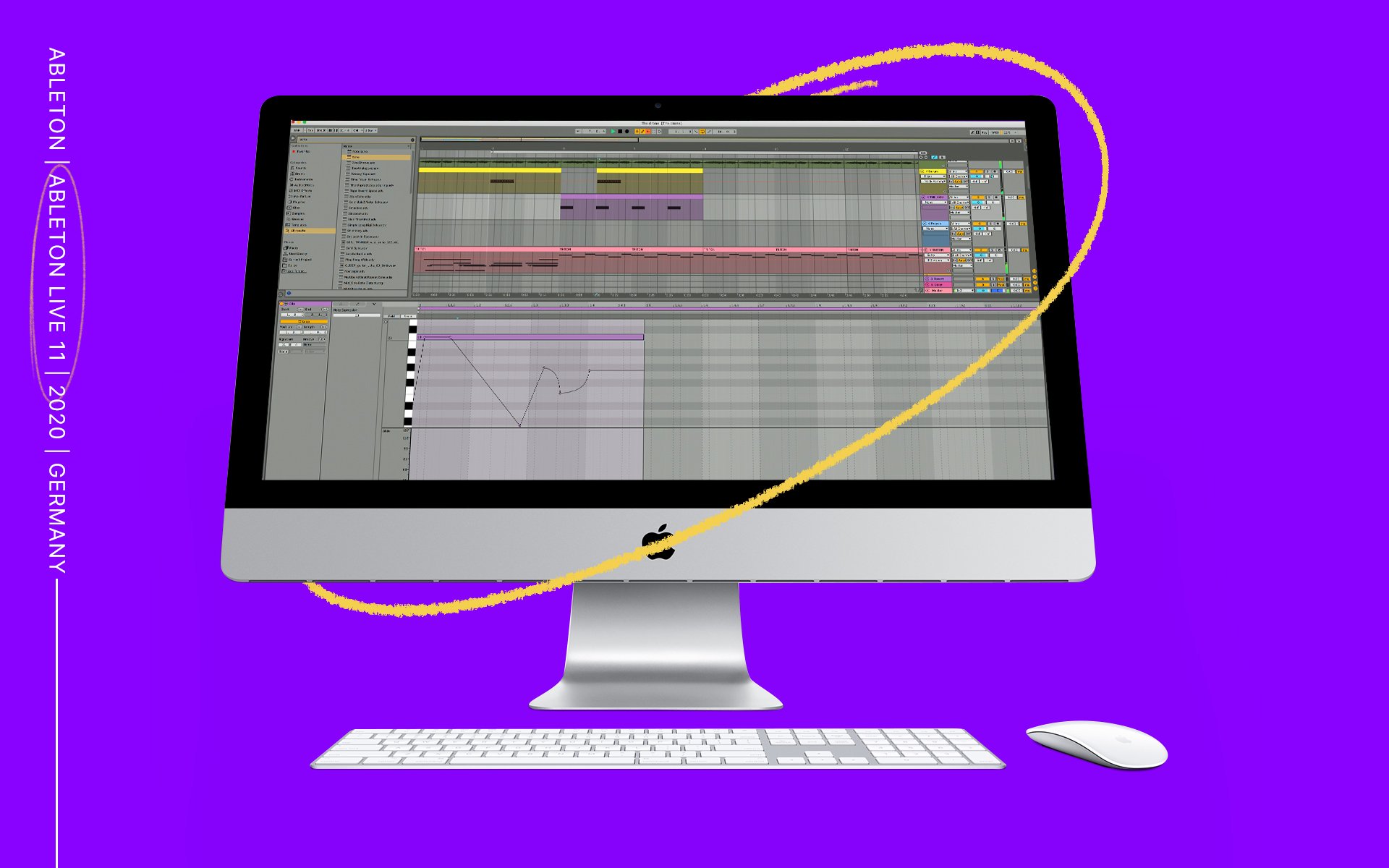
From comping to all-new devices, we explore the new possibilities available in Ableton Live 11 in this unique first look.
From creating poly synths to adding width, take your one-shots to the next level with these three key mapping techniques.
Whether you're just getting started or want to make a switch from your current workstation, here are some great free DAWs that are worth trying out.
In this tutorial video, learn how you can create chords, hooks, and beats in Ableton Live 10 without any extensive experience with music theory.
We take a look at Logic Pro X's Quick Sampler and discuss how to import samples, navigate the interface, and use it in the context of a beat.
In this tutorial video, we go over a few tips and techniques for how you can flip your samples and make them your own in FL Studio.
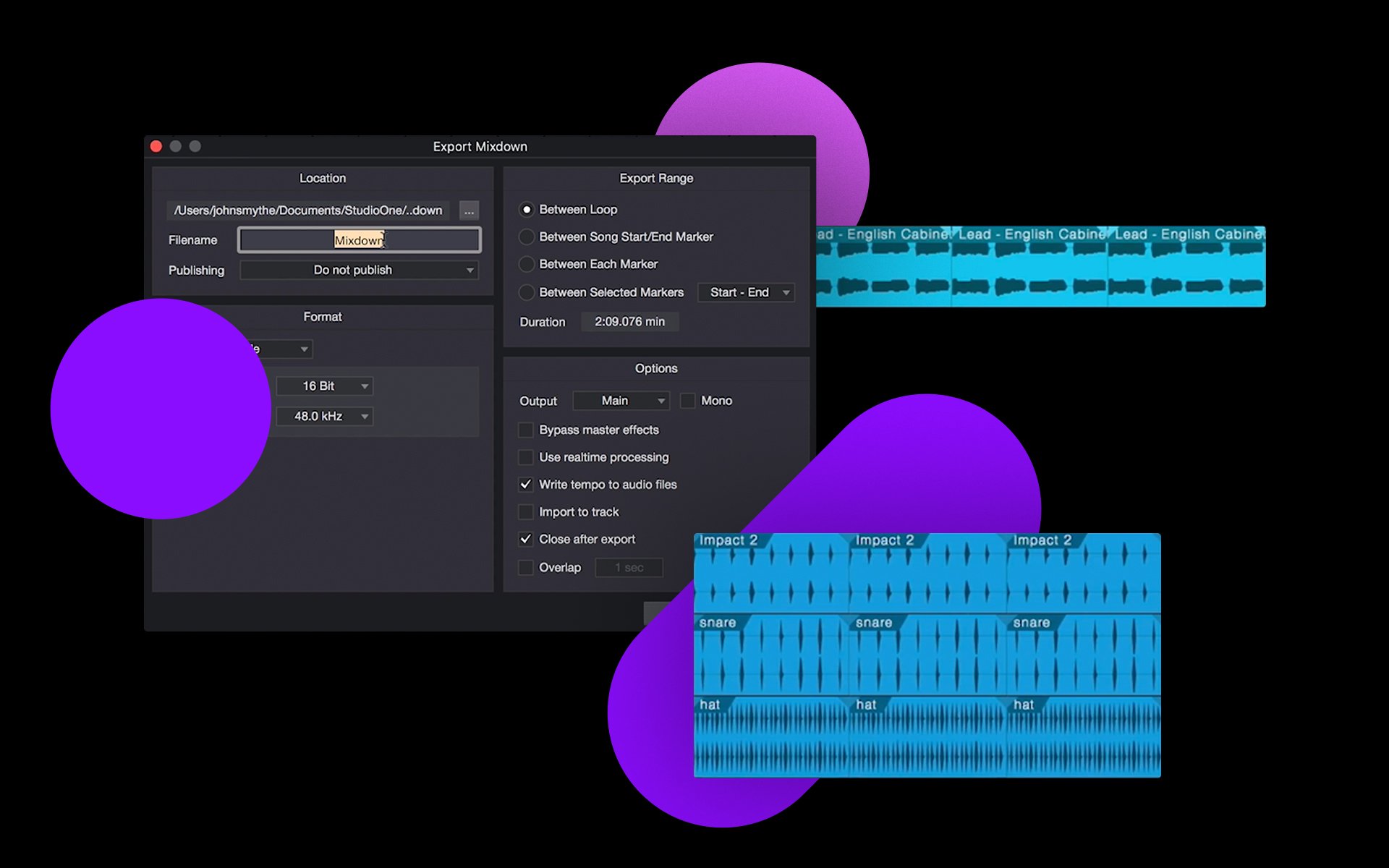
In this tutorial video, we walk through how to expand and export your creations in Studio One 5 so that you can share them the world.
In this tutorial video, we walk through how to expand and export your creations in Ableton Live Lite so that you can share them the world.
© 2026 Splice.com All Rights Reserved