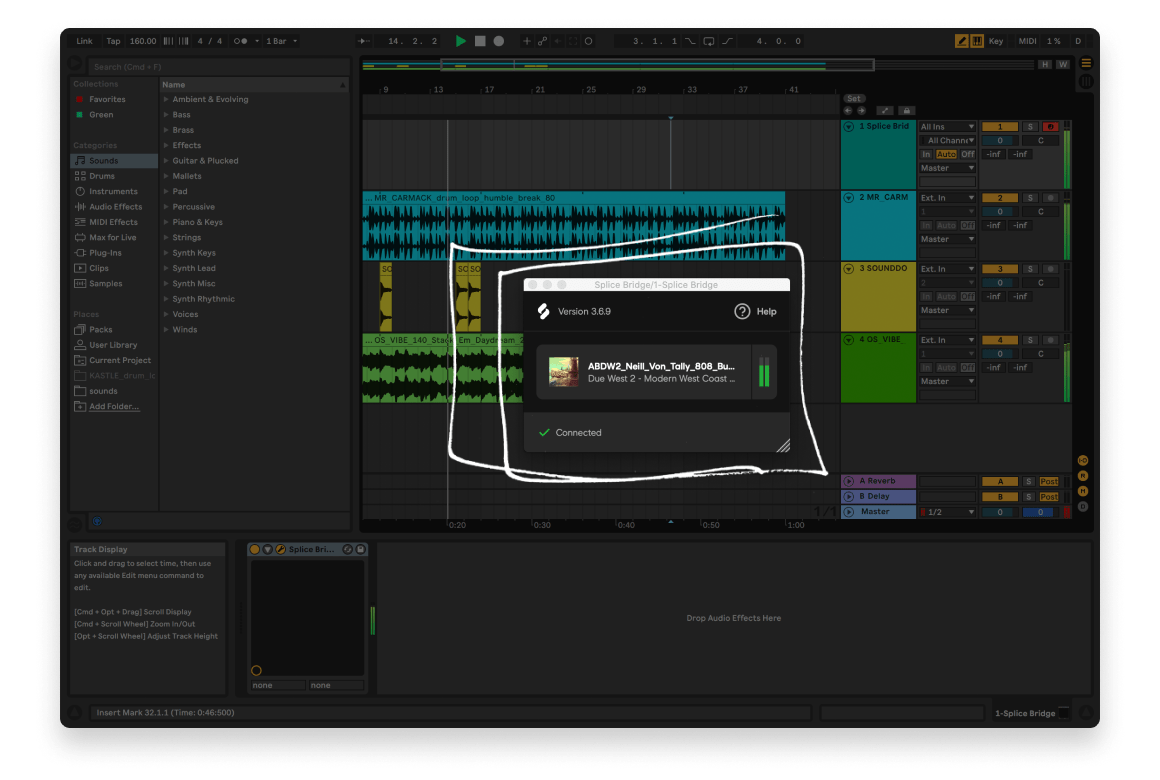
Producer using the Splice Bridge plugin and Splice Desktop app in the DAW

Streamline your DAW workflow with Bridge

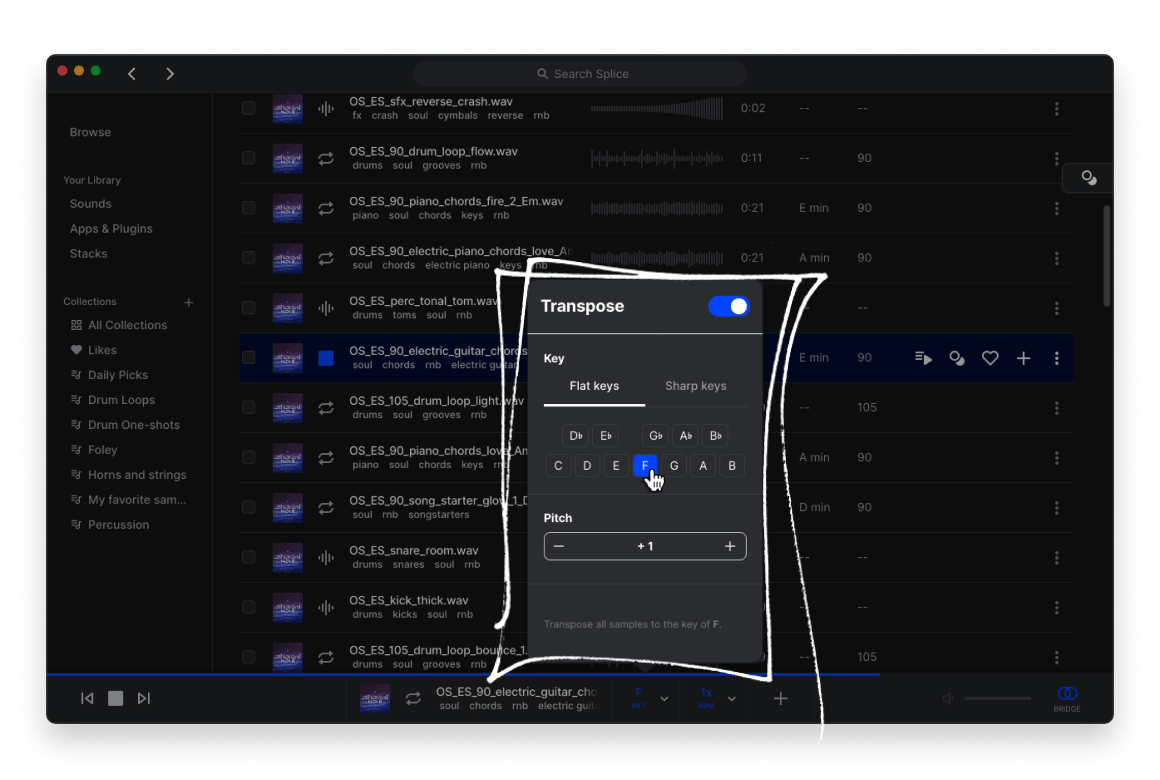
Meet the strongest link in your production chain—Splice Bridge. Bridge lets you preview samples in the key and tempo of your DAW session, before you buy them, so you can save time, save credits and maximize your creative energy.

Available in Splice Desktop


“Bridge is a game changer, I love the ability to sync the tempo and key to my DAW. It's a really inspiring way to utilize your sample library.”

Oliver, producer & sound designer

Key Features

Preview sounds in context

Bridge matches samples in Splice Desktop to your track's key and tempo.

Apply DAW effects in real time

Audition samples with your own FX and processing chains.

Fast and hassle-free setup

Activate Bridge in a few clicks to get started.

Compatible with popular DAWs

AU and VST3 versions provide compatibility with Ableton Live, Logic Pro, Garageband, Studio One and FL Studio.

Free with your Splice subscription

Bridge is included in every Splice plan.

FAQs

How do I get access to Splice Bridge?

Splice Bridge is included with Sounds+, Creator, and Creator+ Plans. Once you're a subscriber, follow the instructions to get started in Ableton Live or Logic Pro.

How do I install Splice Bridge?

Please open the Splice Desktop App and head to the "Apps & Plugins" section. From there, you can install Bridge directly within the app.

Which DAWs and OSes can I use with Splice Bridge?

Splice Bridge comes in VST3 and AU versions. To use Splice Bridge in Ableton Live, make sure you've enabled VST3 and AU plugins from the Ableton Live Preferences menu.

Splice Bridge is officially tested on:

  • Ableton Live 10+
  • Logic Pro X 10.5+
  • Studio One 5+
  • FL Studio 20.8+
  • GarageBand 10.4+

We cannot guarantee compatibility for other DAWs, but Splice Bridge should work with any DAW that supports VST3 or AU formats. In order to use Splice Bridge, the Desktop App must be open and requires the following operating systems:

  • macOS 10.15+
  • Windows 10+
I can't find Splice Bridge in Ableton.

Make sure you've enabled VST3 and AU plugins from the Ableton Live Preferences menu, then rescan your plugin folders. Splice Bridge is installed via the Splice Desktop App's "Apps & Plugins" section.

I can't hear my samples in Logic Pro.

Logic Pro requires you to open the Splice Bridge window to enable audio. Once you've installed Bridge and added it to a track, navigate to the track and open the Splice Bridge window.

More questions?

Check out the Splice Help Center