Splice Sounds Plugin x Logic Pro

How to use Splice Sounds in Logic Pro

Discover samples to use in Logic Pro with Splice. Explore sounds, set up in minutes, and start creating with a massive royalty-free library.

Download free

Synced Preview

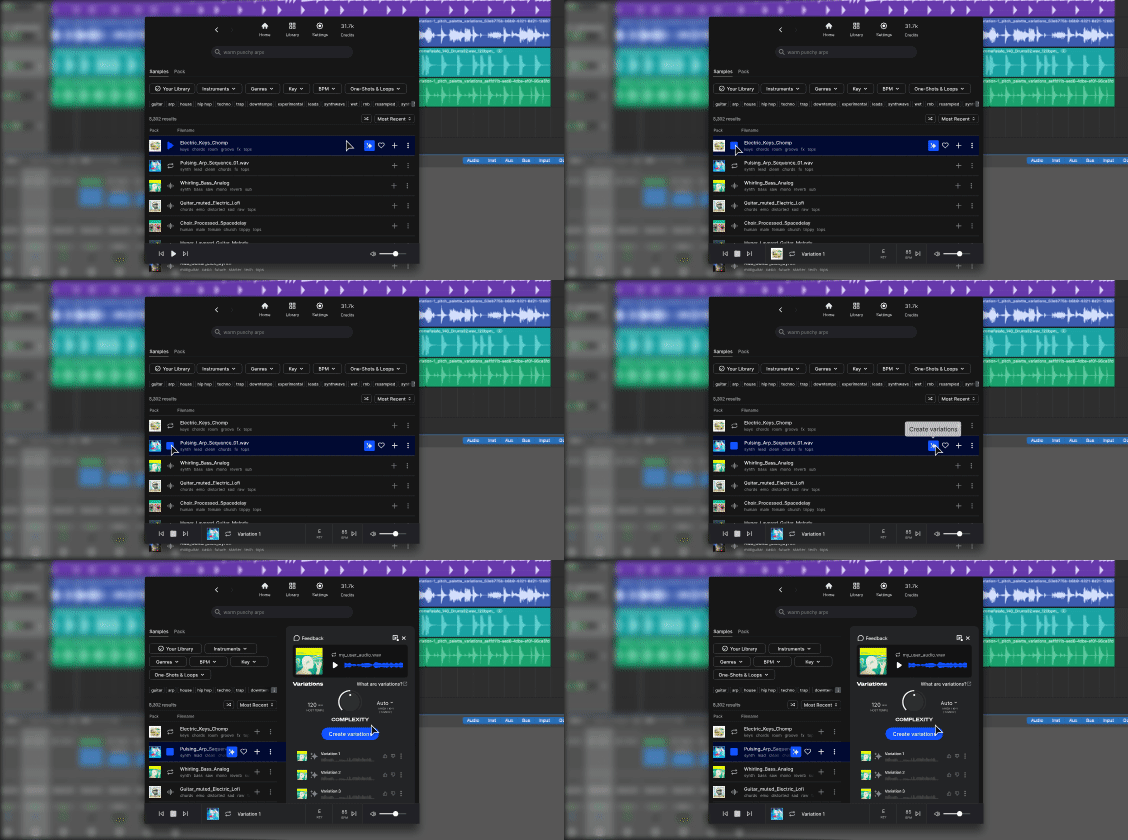
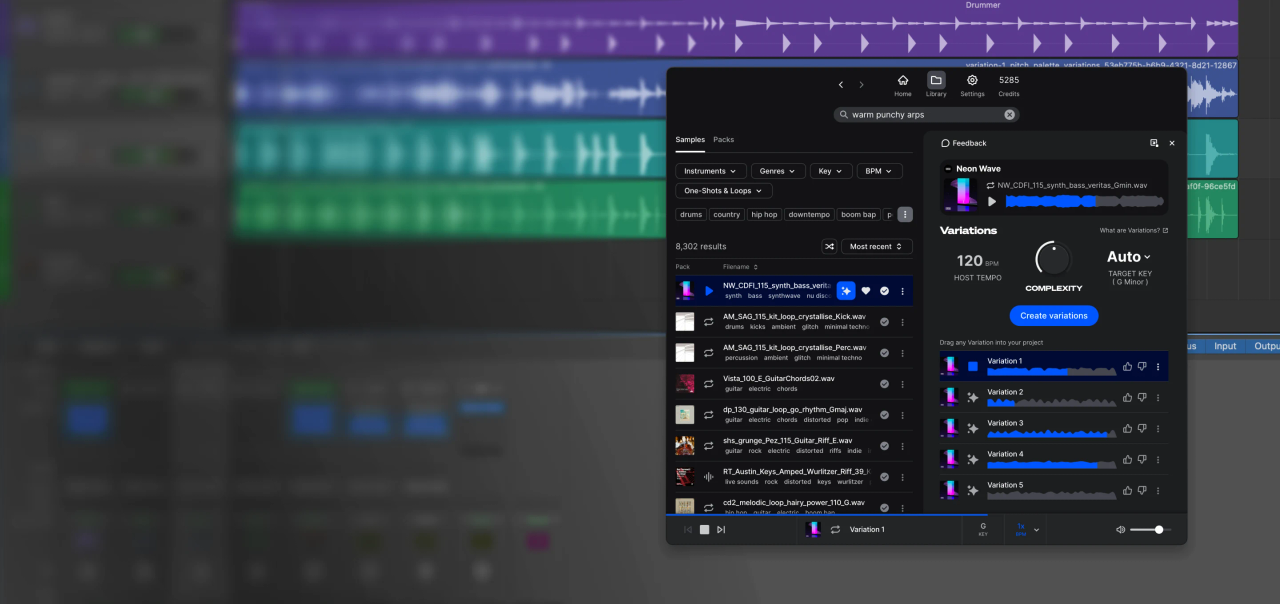
Audition sounds in your project's key and tempo, as your song plays.

Free to Explore

Search, browse, and preview for free—only subscribe to download.

Intelligent Search

Filter by genre, key, and BPM. Upload audio or search.

FAQs

What's Splice?

Splice is the world's best sample library with industry-leading creative tools, presets, and gear. From human-made sounds to AI-powered tech, affordable rent-to-own gear, and a catalog so deep it's dangerous, Splice helps you find your creative sweet-spot and stay there.

Are all sounds on Splice royalty-free?

Yes, you have a royalty-free license for every sound that you download from Splice.

Should you ever want it for your records, you can generate a certified license for the Splice samples you use by following the instructions here.

What does Splice do with the audio I upload?

Your sounds are safe with Splice. Uploaded loops are used exclusively to help you find compatible sounds on Splice. We will never use your loops to train AI models or share your loops with other Splice users. See our Terms of Use.

Can I cancel anytime?

Yes, cancel at any time, even during your trial—you'll still have access to the trial's features for the full 7 days.

When you cancel a paid plan, you'll have access until your next billing cycle. Want to take a break? You can pause your account for up to two months.