.svg)
.svg)

Have you ever been curious about the experience of making music in Ableton Live?
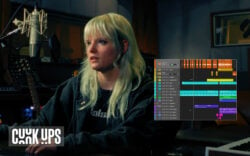
If so, you’ve come to the right place—in the video above, expert producer and vocalist Julie Schatz challenges herself to make a complete track in Ableton Live for the first time, without any tutorials or preparation. Watch along as she navigates Ableton’s unique Session View, MIDI editor, new Splice integration, and more, and discusses her experience from her perspective as a Logic user.
Whether you’re thinking about switching DAWs yourself, curious about the differences between Ableton Live vs. Logic Pro, or just want to watch a producer figure things out and put together a track in real-time, Schatz’ process gives you an honest look at what it’s like to step outside of your comfort zone.
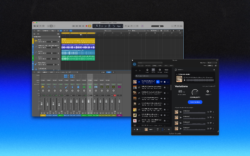
You can learn more about the Splice x Ableton integration below, and if you’re a Logic user, you can now also experience the power of Splice Sounds living directly in your DAW via the new Splice Sounds Plugin (beta):
And there you have it! What was your favorite moment from the session? What other DAWs would you like to see producers dive into for the first time next? Let us know in the comments section of the video, and subscribe to the Splice YouTube channel for more artist-led tips, tutorials, and insights.
Browse, preview, and license Splice samples directly inside Ableton Live with our new in-DAW integration:
May 18, 2026