• Sounds
  • INSTRUMENT
  • Rent-to-Own Plugins
  • Community
  • Pricing
  • Log in
  • Try now
  • Log in
  • Try now
  • Sounds
  • INSTRUMENT
  • Rent-to-Own Plugins
  • Community
  • Pricing
  • Log in
  • Try now
  • Log in
  • Try now
  • Sounds
  • INSTRUMENT
  • Rent-to-Own Plugins
  • Community
  • Pricing
  • facebooktiktokyoutubeinstagramdiscord
      • Inspiration
      • Mastering
      • Mixing
      • Music Promotion
      • Music Theory
      • Recording
      • Sampling
      • Sound Design
      • Tools
      • All Tips & Tutorials
      • Ableton Live
      • Bitwig Studio
      • Cubase
      • Fender Studio Pro
      • FL Studio
      • GarageBand
      • Logic Pro
      • Pro Tools
      • All DAWs
      • Free Drops
      • Free MIDI
      • Free Plugins
      • Free Presets
      • Free Project Files
      • Free Sounds
      • All Free Content
      • Artist Interviews
      • Features
      • News
      • All Stories
    • All Posts
    • Try Our Sounds Plugin (Beta)
      • Inspiration
      • Mastering
      • Mixing
      • Music Promotion
      • Music Theory
      • Recording
      • Sampling
      • Sound Design
      • Tools
      • All Tips & Tutorials
      • Ableton Live
      • Bitwig Studio
      • Cubase
      • Fender Studio Pro
      • FL Studio
      • GarageBand
      • Logic Pro
      • Pro Tools
      • All DAWs
      • Free Drops
      • Free MIDI
      • Free Plugins
      • Free Presets
      • Free Project Files
      • Free Sounds
      • All Free Content
      • Artist Interviews
      • Features
      • News
      • All Stories
    • All Posts
    • Try Our Sounds Plugin (Beta)
    Search our blog
    Back to blog

    presets

    serum-entire-track-free-presets-featured-image
    Free Presets

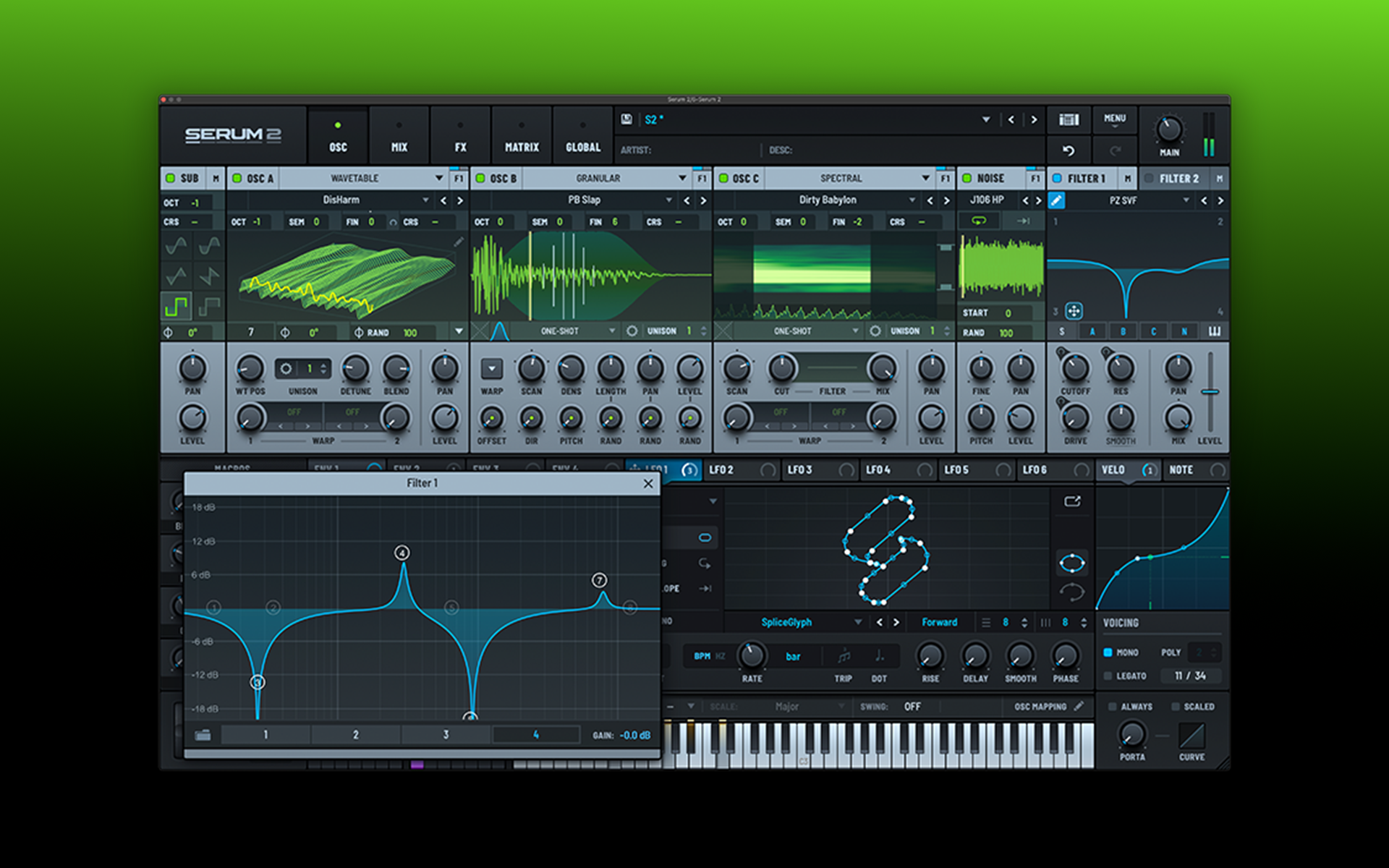
    How to make an entire track using only Serum (free presets and MIDI included)

    In order to put its versatility to the test, we challenged ourselves to try making a full track using nothing but Xfer Record's Serum.

    + Free MIDI files+ Free presets
    instrument-own-voice-featured-image
    Sound Design

    How to make a synth pad using your own voice (free preset included)

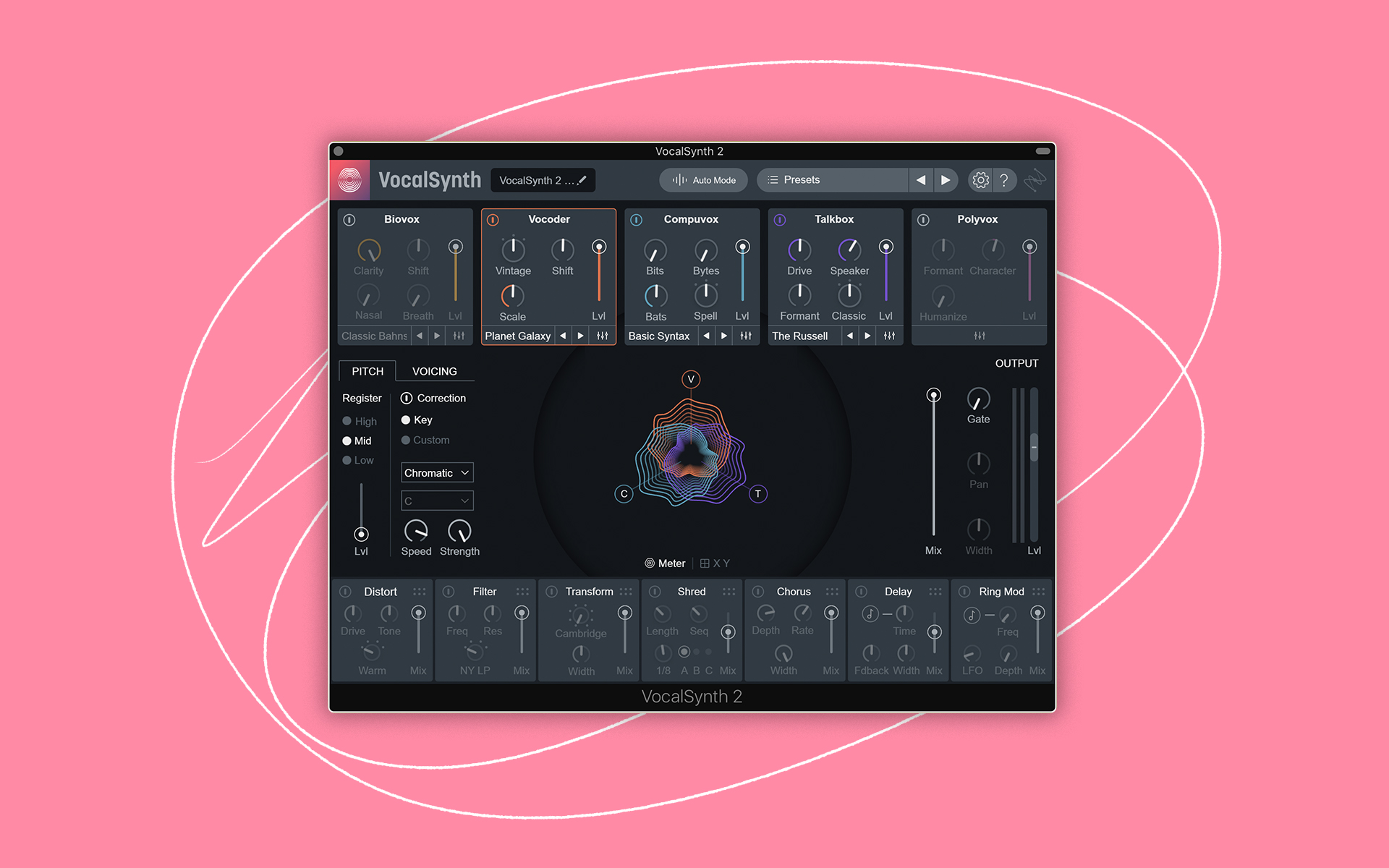
    Even if you're not a vocalist, your voice can still be used as a powerful sampler instrument.

    + Free project file+ Free presets
    how-to-create-custom-presets-bt-featured-image
    Tools

    BT on creating custom presets with Softube’s Parallels

    Trance / IDM pioneer and veteran film composer BT shares three tips for creating custom presets with Softube's Parallels.

    05-0-title_Synth-Snare
    Tutorials

    How to make a synth snare with Circle2

    Learn how to create a synth snare in Circle2 that will elevate the grooves in your production.

    02-0-title_Synth-Bass
    Uncategorized

    How to make a synth bass in Circle2

    Learn how to create a synth bass in Circle2 to get your low end just right.

    Uncategorized

    How to make a wobble pad in Circle2

    Learn how to create a wobble pad in Circle2 to bring a contemporary edge to your sound.

    03-0-title_Synth-Pad
    Uncategorized

    How to make a synth pad in Circle2

    Learn how to create a luscious synth pad in Circle2 that will sweeten any mix.

    01-0-title_Arpeggio-Synth
    Uncategorized

    How to make an arp sequence in Circle2

    Learn how to create an arp sequence in Circle2 to add some movement to your next track.

    5-best-free-reverbs-featured-image
    Free Plugins

    The 5 best free VST / AU reverb plugins (with free presets)

    In this article, we introduce five of the best free reverb VST / AU plugins out there and provide accompanying free presets.

    + Free plugins+ Free presets
    5-best-free-vst-synths-2017
    Free Plugins

    The 5 best free VST / AU synths of 2017 (with free presets)

    Synth VSTs come in all shapes and sizes. We bring 5 of the best free VST synth plugins of 2016 featuring subtractive, addictive, and wacky synths!

    + Free plugins
    Sound Design

    Spooky Halloween Design Tricks using Ableton

    We've assembled some Halloween-themed sound design tricks using ABLETON LIVE 9 and shared them with you to use in your most frightening productions!

    Tips & Tutorials

    Create a retro Synthwave pad in 6 steps

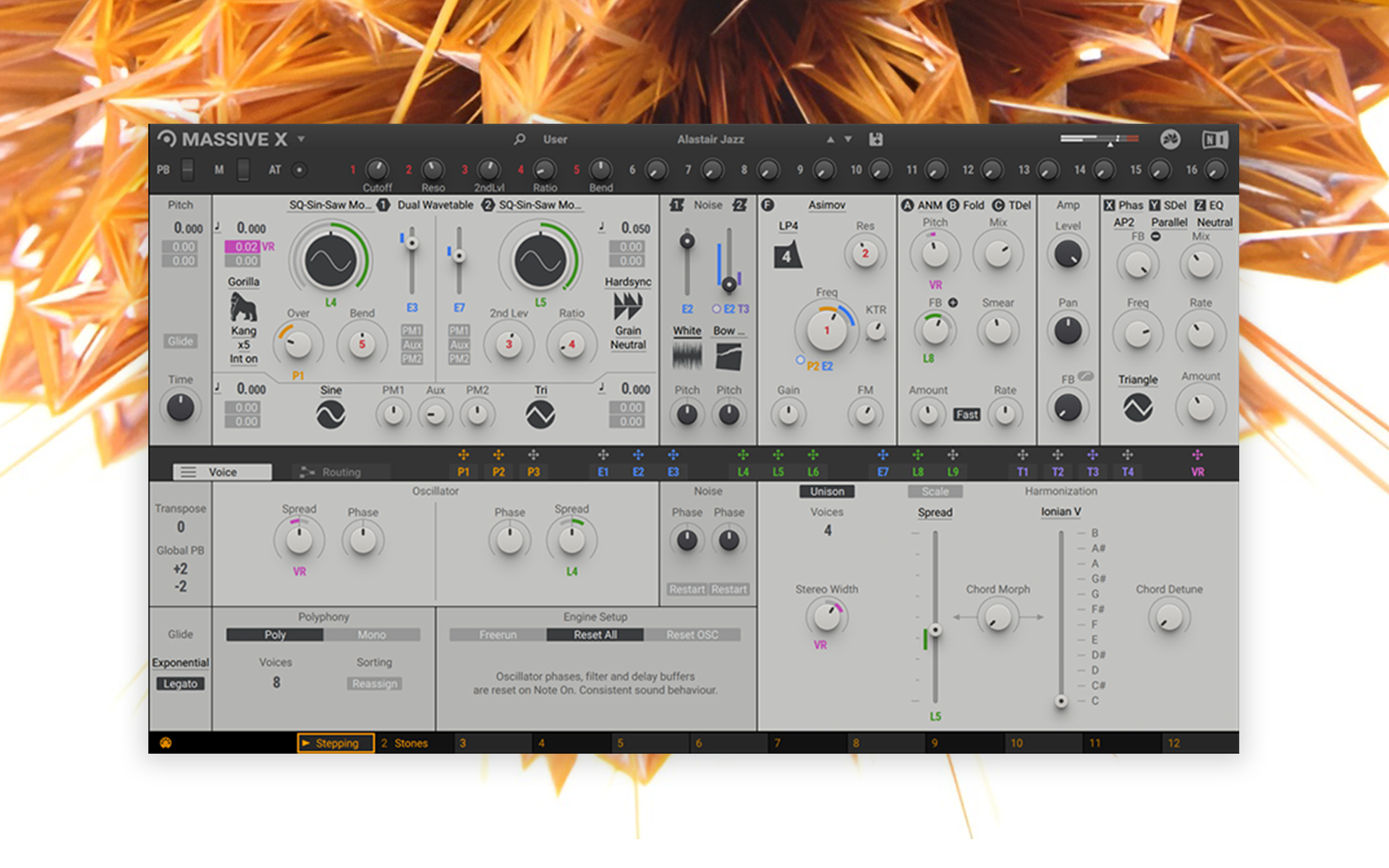
    A step by step tutorial on how to create a synthwave pad on Massive.

    • 2
    • 3
    • 4
    • 5
    • 1
    • 2
    • 3
    • 4
    • 5

    Try Splice today

    Start now

    Sounds

    • Search All
    • Create a Stack
    • Browse Catalog
    • Instruments
    • Genres
    • Presets
    • New Sample Packs
    • Trending Sample Packs
    • Stories Behind the Sounds

    Plugins

    • Splice INSTRUMENT
    • INSTRUMENT Preset Packs
    • Rent-to-Own Plugins
    • Free Plugins
    • Spitfire Audio Plugins
    • Serum 2

    Tools

    • Sounds Plugin (beta)
    • Desktop App
    • Mobile App
    • Bridge
    • Studio Pro Integration
    • Pro Tools Integration
    • Ableton Live Integration

    Blog

    • Latest Posts
    • How to Make Music
    • Music Theory Tips
    • Sampling Techniques
    • Newsfeed
    • Free Drops

    About

    • About Splice
    • Spitfire Audio: A Splice Company
    • Community
    • Ethics
    • Innovation
    • Plans
    • Splice in the Classroom
    • Splice for Students
    • Community Spotlight
    • Affiliates
    • Do Not Share My Personal Information

    © 2026 Splice.com All Rights Reserved
    • Terms of Use
    • Privacy Policy
    • Jobs
    • Contact
    • Help
    • Sitemap
    facebooktiktokyoutubeinstagramdiscord