Sounds
  1. Sounds
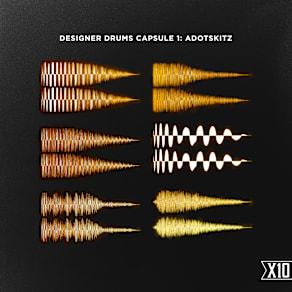
  2. Designer Drums Capsule 2: Jay Cactus
  3. Stories

Jay Cactus Cooks Up a UK Drill Beat

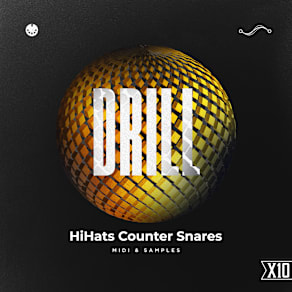
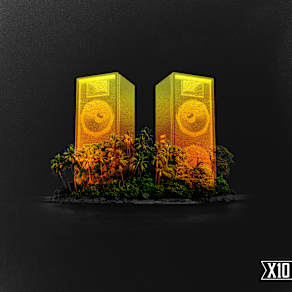
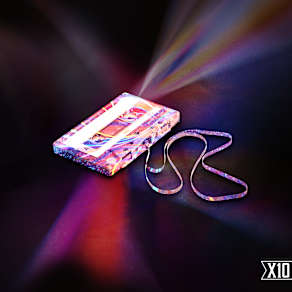
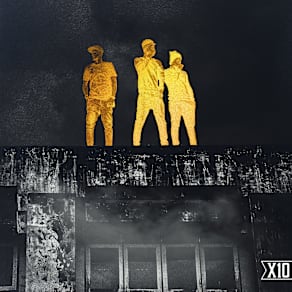
Splice imprint X10 brings you the second installment of Designer Drums with Capsule 2.This time we brought in world renowned educator and sound creator, Jay Cactus, known for his drill production tutorials and his huge following on YouTube, where he teaches music production and sound design across multiple genres but with a keen focus on UK drill and rap sounds. Now he has collaborated with Splice’s in-house drill label X10, led and curated by Yvng Face, to bring you this incredible drill drum kit.

This innovative drill drum kit provides you with all the essentials you need: saturated and hard-clipped kicks combine with sharp, filtered drill counter snares and icy hi-hats. 808 loops and one-shots give you endless possibilities for low-end weight and we have also included bonus melodic loops, composed by Jay, completely royalty free and ready to drop into you DAW.

Download this pack today!
Companion Packs

FAQs

What is Splice Sounds?

Splice Sounds is an industry-leading catalog of royalty-free samples, loops, one-shots, MIDI and presets for music production. Browse sounds by genre, instrument, key, BPM, and more, preview individual sounds, search by text or audio, and download the ones that fit your track.

Are Splice sounds royalty-free?

Yes, every single sample on Splice is 100% royalty free, meaning they're free to use, even for commercial use. You can download samples on Splice, then make and release original music with those samples, and you don't owe Splice (or anyone else) any more than your subscription fee, even if your track goes viral.

Can I use Splice sounds for commercial use?

Yes. In fact, we can even supply you with documentation in case you ever need to prove that your music is royalty-free and properly licensed. The license for sounds you download from Splice Sounds permits use for commercial and non-commercial purposes so long as you remain in compliance with our Terms of Use.

Is my DAW supported?

Splice Sounds works with any DAW. Download samples and add them directly to your projects using the Splice Sounds Plugin (beta) or the Desktop App. All purchased samples are downloaded locally to your machine in .wav format.

Ableton, Fender Studio Pro, and Pro Tools users should use the Splice direct integrations in their DAWs for the best workflow experience, plus a rotating selection of free sounds for their projects.

For all other DAWs, download the free Splice Sounds Plugin (beta) to search, browse, and preview samples in your project's key and tempo. Then, subscribe to download sounds or create Variations.

How do Sounds credits work?

Use credits to download your favorite samples, loops, one-shots, presets, MIDI & more. All samples are one credit each. MIDI patterns and presets use up to three credits each. Unused credits automatically roll over to the next month. Keep everything you download, even if you cancel.

With our DAW integration plans for Ableton Live, Fender Studio Pro, and Pro Tools, you can license up to 100 individual samples per day by simply dragging and dropping the samples into your project. Once licensed, samples live in your Library, and you can download them at any time. With a Creator or Creator+ plan, you can also license up to 100 sounds per day directly in any of our native DAW integrations without using credits.

Do I have to download a full pack or can I download individual samples?

You can download individual samples on Splice, not just full packs. Every single sample, preset, MIDI, one shot, and loop on Splice is available for individual download, so you can only download what you need.

What happens to the sounds I download if I cancel?

Every sound you download is yours forever. Keep everything you download, even if you cancel. Learn more about our cancellation policy here.

Can't find your answer here?

Check out our Help Center, Licensing FAQ, or Plans FAQ for more information.