From Idea to Impact: ZOPKE’s Hitmaker Toolkit
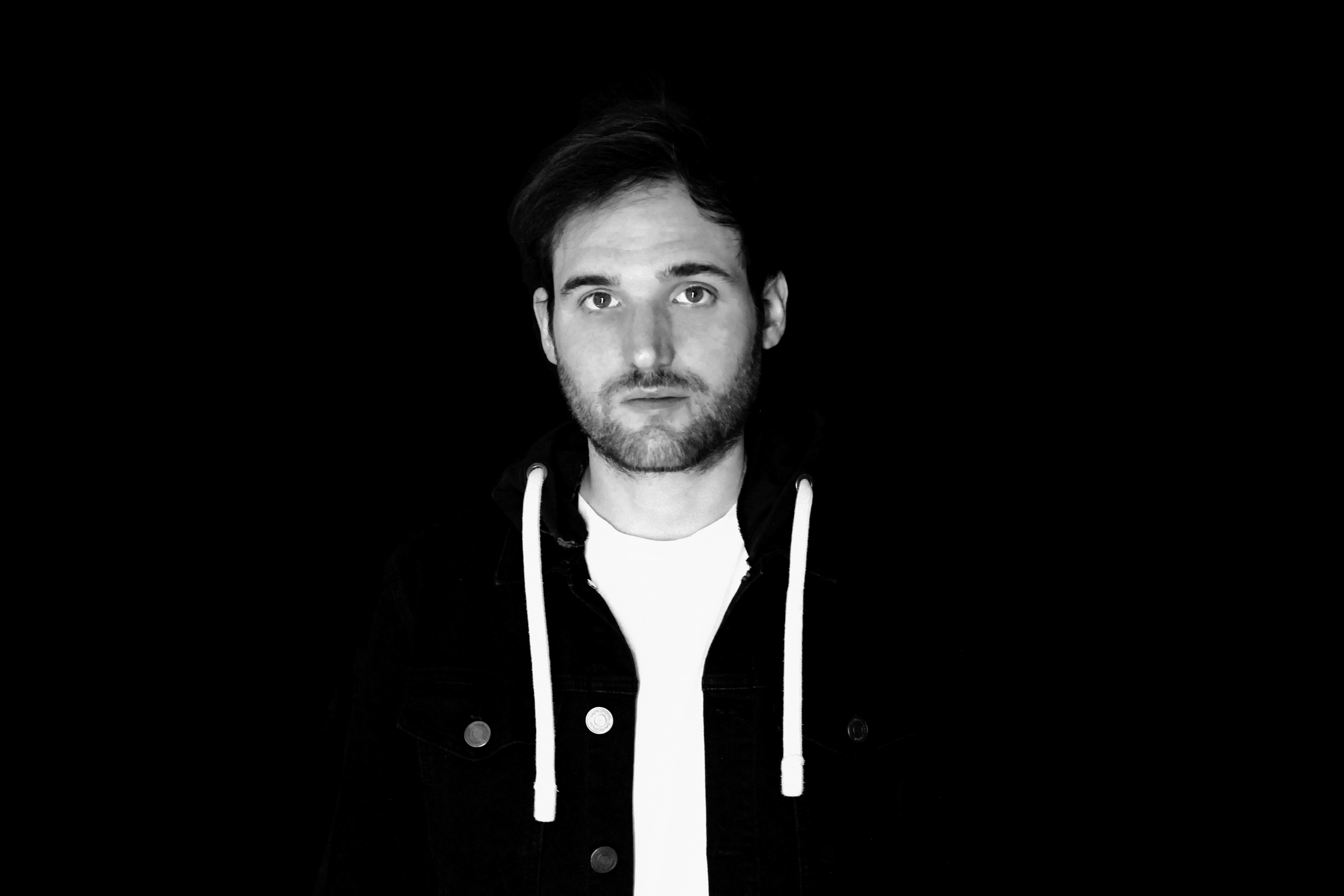
In collaboration with Function Loops, Splice presents the ZOPKE – Hitmaker Toolkit: an expansive, genre-blending collection engineered for speed, inspiration, and modern versatility. Bringing together elements of Pop, Hip-Hop, Latin, and Electro, ZOPKE channels years of studio experience into a pack built to *spark momentum*—the kind of creative flow where ideas move fast and songs take shape with intention. In this spotlight, ZOPKE shares the story behind the pack, his evolution as a producer, and the philosophy that drives his approach to sound.
Our Interview w/ ZOPKE
Tell us about yourself – what led you to music and creating samples?
I've been passionate about music since I was a kid—playing guitar, piano, and experimenting with computer-assisted production. What started as curiosity turned into obsession, and eventually my full-time career. Working in music for brands, studios, and sync projects taught me to create quickly and intuitively. When you're under pressure, you don't have 30 minutes to find the right sound—you need to be in the zone immediately. This pack was built to support that flow: fast, inspired, and flexible across Pop, Hip-Hop, Latin, and Electro. Looking ahead, my goal is to earn a Grammy—something that pushes me to keep evolving and aiming high.
What inspired the sounds included in this pack?
It all started when I rediscovered my old Yamaha PSR-3000. The sounds weren’t perfect, but they had soul. I resampled, processed, and reshaped them through modern tools to create textures that feel alive. I also recorded guitar layers with my Gibson, pushing effects and tone to build warmth and depth. The vision was simple: every sound should spark a song—not just fill space.
What do you hope the Splice community will do with these sounds?
I hope these sounds help artists move—past creative blocks, toward new styles, and into finished music. The pack includes six song starters to help producers jump right into a track. It’s not just a sound library—it’s momentum you can hear.
Advice for musicians interested in sample creation?
Treat sample creation as a personal art form. There are no rules—only exploration. Don’t rush; some of my best sounds came from long sessions of experimenting, refining, and letting go of perfection. A great sample pack is not just functional—it’s a fingerprint. Create what you love, not what you think others want.
Tell us about the musical influences behind your sound.
My sound is rooted in Pop, but shaped by cultural mixing. Growing up in France while absorbing LA’s music scene exposed me to Latin rhythms, Hip-Hop bounce, R&B emotion, and Electro textures. LA is where genres blend and evolve, and that mindset defines my work. This sample pack reflects that fusion—a toolkit for producers who create in the spaces where styles connect.
Website: zopkemusic.com
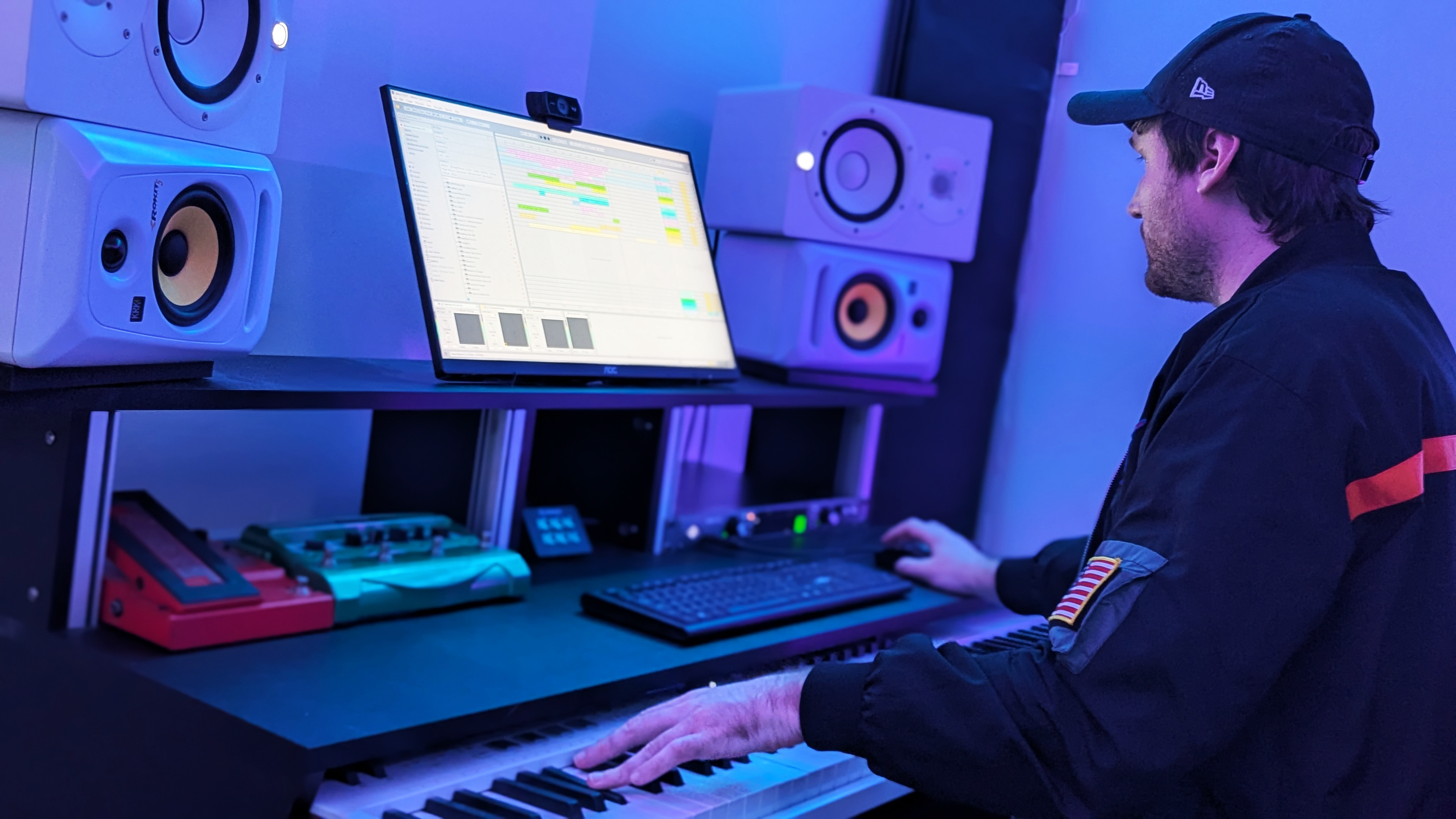
ZOPKE – Hitmaker Toolkit is built for producers who move with intention—those who experiment, blend, reshape, and push genres forward. No friction. No overthinking. Just tools designed to unlock ideas, build momentum, and bring a track to life. Explore, adapt, and make it your own.