Signal Flow: CERES Brings Vocal Power to Hard Techno
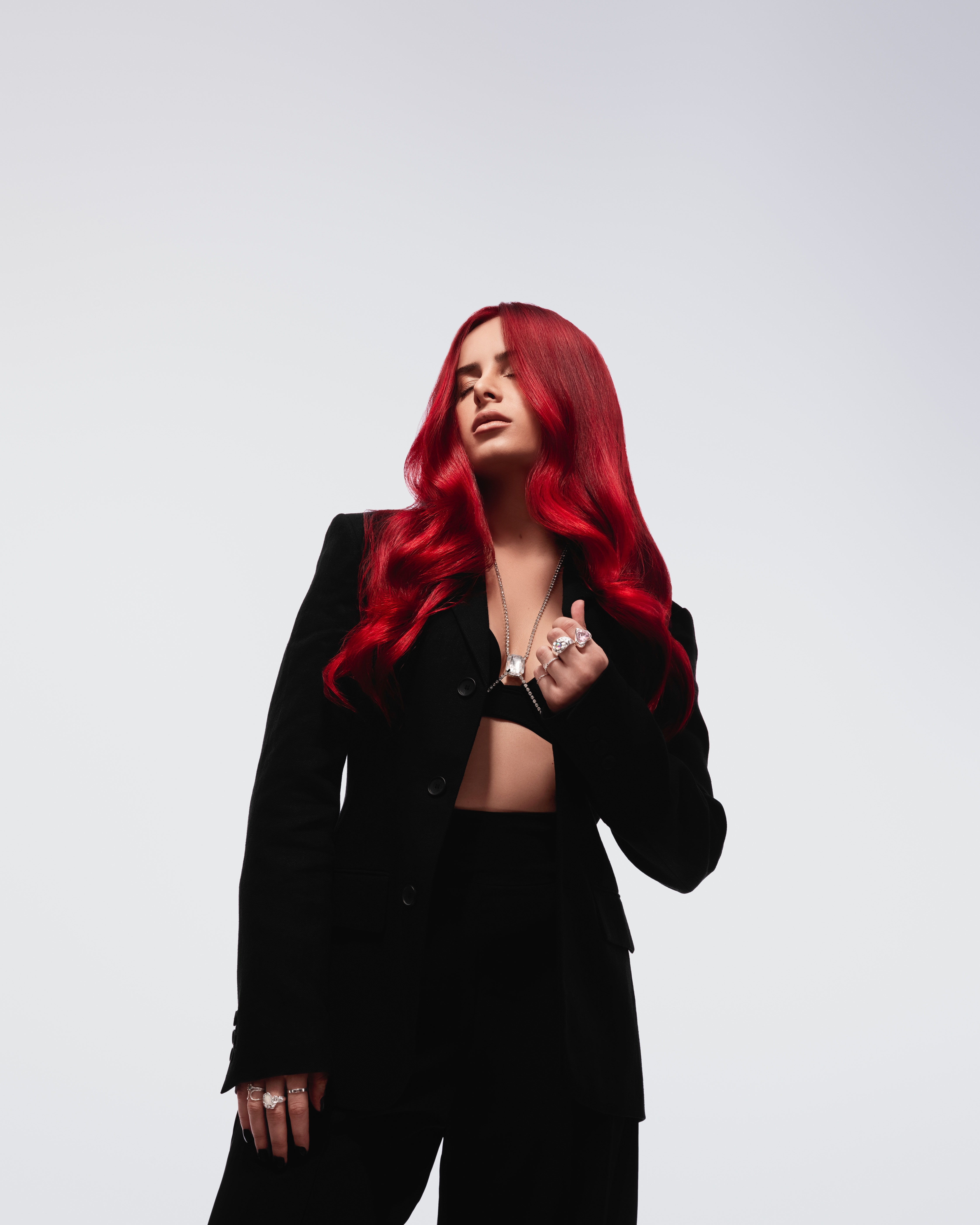
Hard techno thrives on intensity, and CERES knows how to channel that energy straight into her vocal recordings. As the voice behind Dropgun Samples’ Hard Techno – Signal Flow, she delivers an arsenal of commanding toplines, adlibs, and phrases designed to cut through massive productions. In this interview, CERES breaks down her vocal recording setup, production philosophies, and the creative mindset that drives her to capture raw emotion with precision.
Our Interview with CERES
Splice: What’s your typical setup for recording high-quality vocals (microphone, pre-amps, room treatment, etc.)?
CERES: I use a Warm Audio 47jr microphone paired with an Apollo Twin X Duo interface, which provides a clean, detailed signal path with just the right amount of warmth. I record directly into a MacBook Pro M4, which handles heavy sessions with ease. My studio space is acoustically treated using rock wool and wooden panels to control reflections and absorb unwanted frequencies. I also use a portable vocal booth to enhance vocal isolation and minimize room sound. While recording, I monitor using KZ ZSN in-ear headphones, which offer clarity and precision without picking up external noise into the mic. For mixing, I rely on white Yamaha HS5 studio monitors, known for their accurate sound re-production—essential for dialing in vocal details.
Splice: What’s your approach to vocal production? Do you focus on getting a perfect take or prefer to experiment with different takes and comp them later?
CERES: My typical approach is to aim for a strong, emotionally expressive take right from the start. I like capturing the energy and authenticity of a full performance. However, I also believe in staying open to creative moments. If I feel like trying different phrasings or emotional deliveries, I’ll record a few variations. Later, I might comp the best parts together—but there are definitely sessions where one full take feels perfect and doesn’t need much editing.
Splice: What are some processing techniques you commonly employ when producing vocals for a sample pack? Do
CERES: I usually start with plugins from the CLA collection by Waves. CLA Vocals is great for quickly shaping a clean, present sound, while CLA Effects helps me add character with reverb, delay, and modulation. I’ll sometimes add a touch of saturation or a gentle EQ sculpt with FabFilter Pro-Q3 to enhance clarity without losing warmth. Compression is key too—I like using the RComp for dynamic control while still keeping everything natural and musical.
Splice: How does the topline, adlib, or one-shot creation process for a sample pack differ from a more traditional songwriting session?
CERES: Creating for a sample pack is a more personal and instinctive process. There’s more freedom to explore your unique vocal identity, without having to match a collaborator’s vision. It’s about crafting sounds that feel authentic but can also spark creativity in producers across genres.
Splice: What are some of your favorite vocal recordings? What vocalists, songwriters, and/or engineers inspire you?
CERES: I’m deeply inspired by KARRA. Her vocal sample packs—especially Vocal Pack Vol. 1—set a high bar and influenced how I approach vocal production. I admire how polished yet emotional her vocals sound. She helped shape my understanding of how powerful a well-crafted vocal can be.
Splice: Are there any other tips, best practices, or philosophies around vocal production you’d like to share?
CERES: Yes—nobody knows your voice better than you. Learning to tune note by note in Melodyne made a huge difference in preserving the emotion of my takes. Also, protect your energy: your mindset directly impacts your performance. I never force sessions when I’m not fully present. And don’t be afraid to experiment—some of my best ideas came from trying something unexpected.
From her meticulous recording chain to her philosophy of preserving emotion in every take, CERES proves that great vocal production is as much about authenticity as it is about technique. Whether you’re building peak-time anthems or underground weapons, her contributions to Hard Techno – Signal Flow give producers the edge they need to push harder, louder, and further.Explore the pack today and bring CERES’s power into your next track.