Cyclops Brings Raw Energy to Dubstep Sample Creation
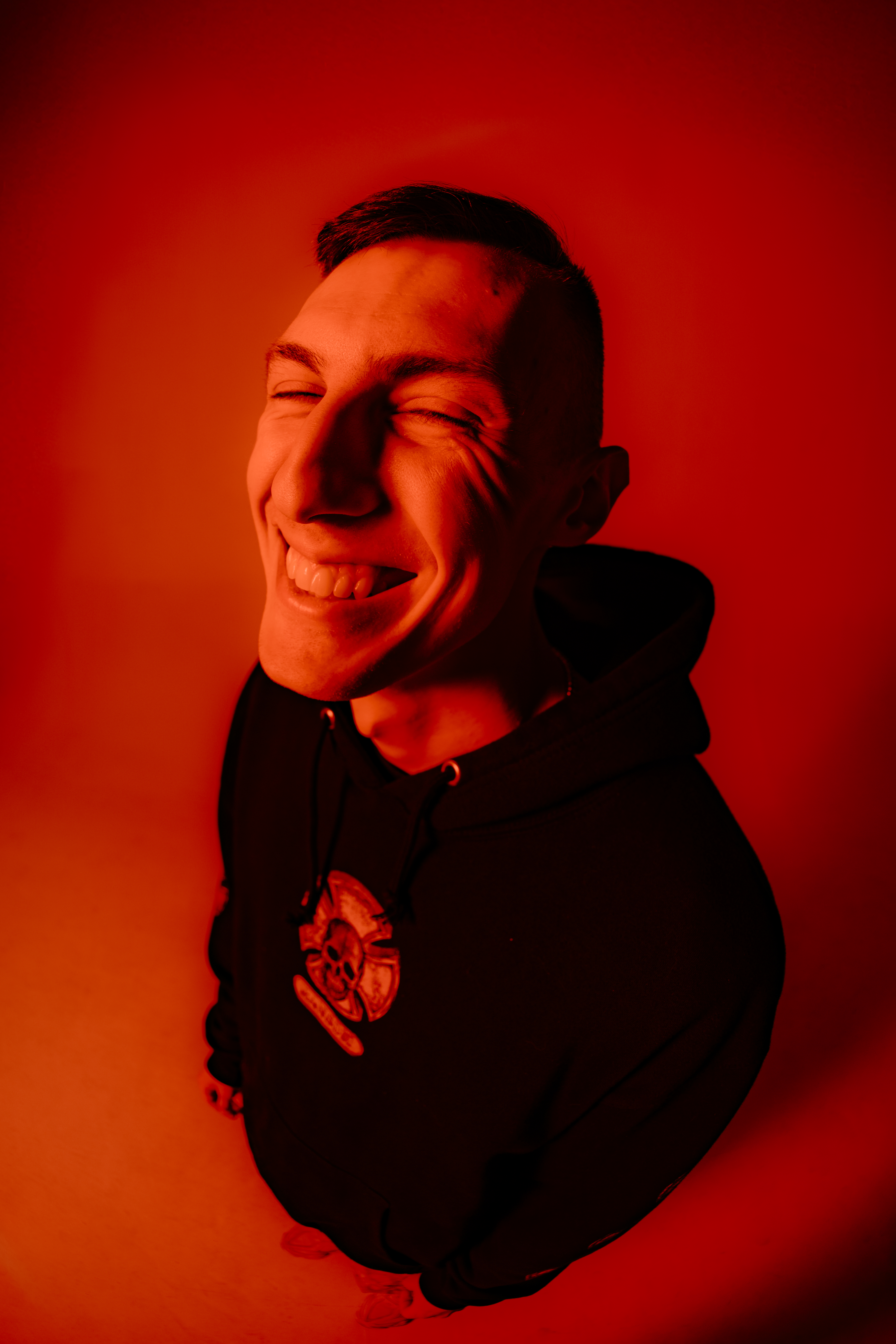
From shredding guitars in middle school rock bands to shaping the future of bass music, Cyclops has always chased sound with intensity. After discovering dubstep in college, he quickly dove into production, tutorials, and sound design, building a reputation for his forward-thinking approach. Now, he’s teamed up with Dropgun to release his first major sample pack—an arsenal that blends heavy-hitting dubstep sound design with minimal bass and hip-hop textures.
Our Conversation w/ Cyclops
Splice: Tell us about yourself – what led you to production and creating samples?
Cyclops: I got into playing rock and metal music on guitar in middle school and around the same time wanted to make my own music as well. I did that all through high school, starting a few local bands and trying to record our own songs. When I got to college my roommate Neel put me on to lots of electronic music and I really fell in love with dubstep. Part of my coming up early on was making tutorial videos on YouTube as well as sample packs for producers. Over the past few years, I’ve done a few production courses and am now excited to be putting out my first big sample pack with Dropgun.
Splice: What inspired the sounds included in this sample pack?
Cyclops: This pack is an amalgamation of sounds I’ve used in my own music over the past two years and reflects my inspirations as of recent. I think my style is a mix of very sound-designy dubstep as well as very minimal bass & hip-hop stuff. You’ll hear everything from futuristic patches from Vital to simple distorted 808 patterns. Add as well punchy drum sounds, spacey synths, baroque-esque melodies, soaring fx, lots of drop vocals and more. There’s a little something for everybody here.
Splice: What do you hope the Splice community will do with their sounds?
CyclopsI hope this pack can help drive the next era of bass music. A lot of these sounds came straight out of other projects so they’re all mix-ready. I’m also really proud of how the vocal samples came out as well and I hope a lot of them find their way into future songs.
Splice: Do you have any advice for other musicians who are striving to move into the world of sample creation?
Cyclops: I think a healthy mix of batching samples (making one after another in a dedicated session) as well as grabbing one-off sounds from your own projects is a good approach to creating sample libraries. With batching I found that over the session you kind of dial in more and more on better sounds (especially for drums) but they can all come out a little “samey” if you’re not careful. And with the one-off approach you can get a wide variety of sounds from your other projects that will be a lot more mix-ready, but it’s a little more time-consuming & you need lots of projects to go through to get enough sounds. This sample pack’s creation was a mix of both.
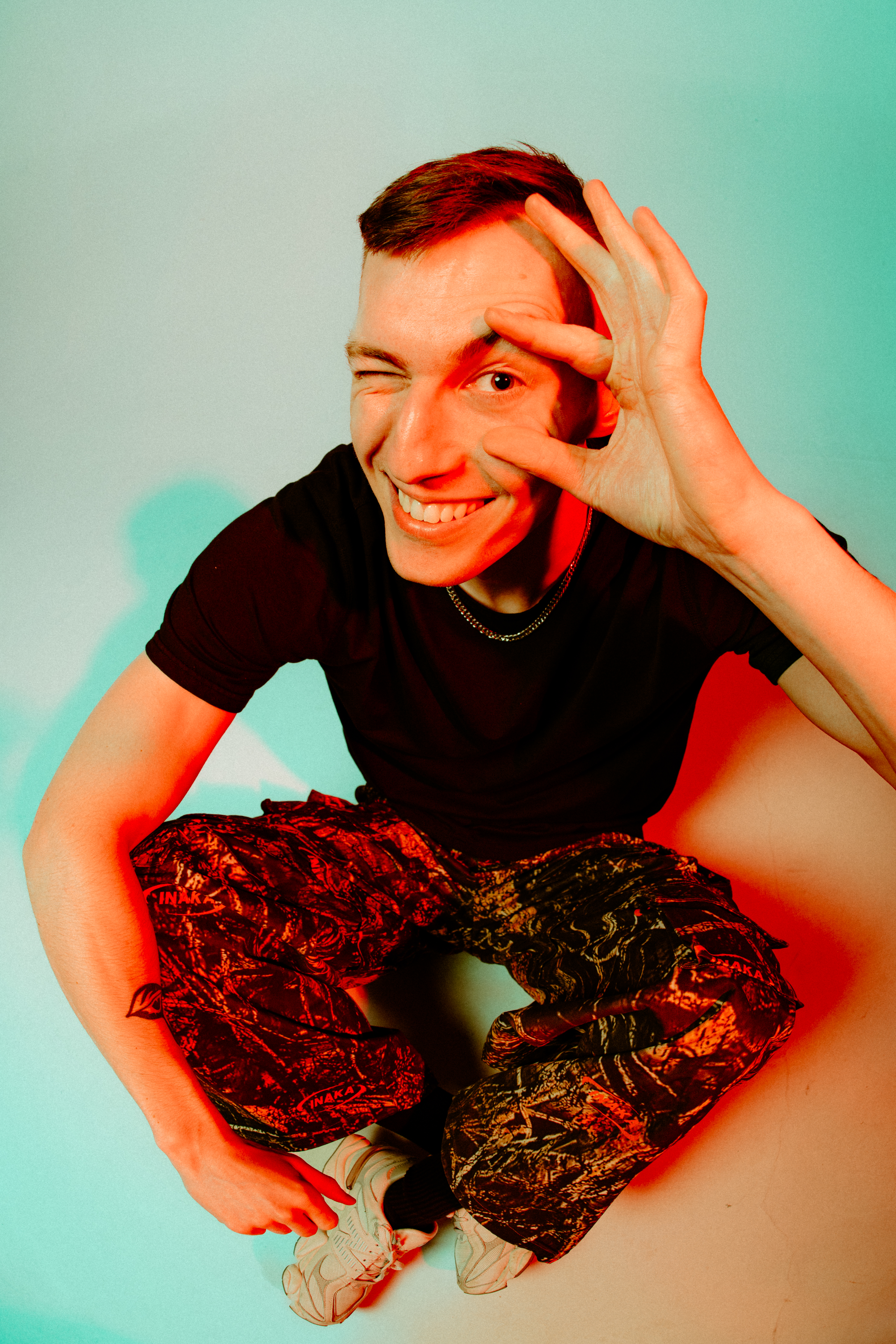
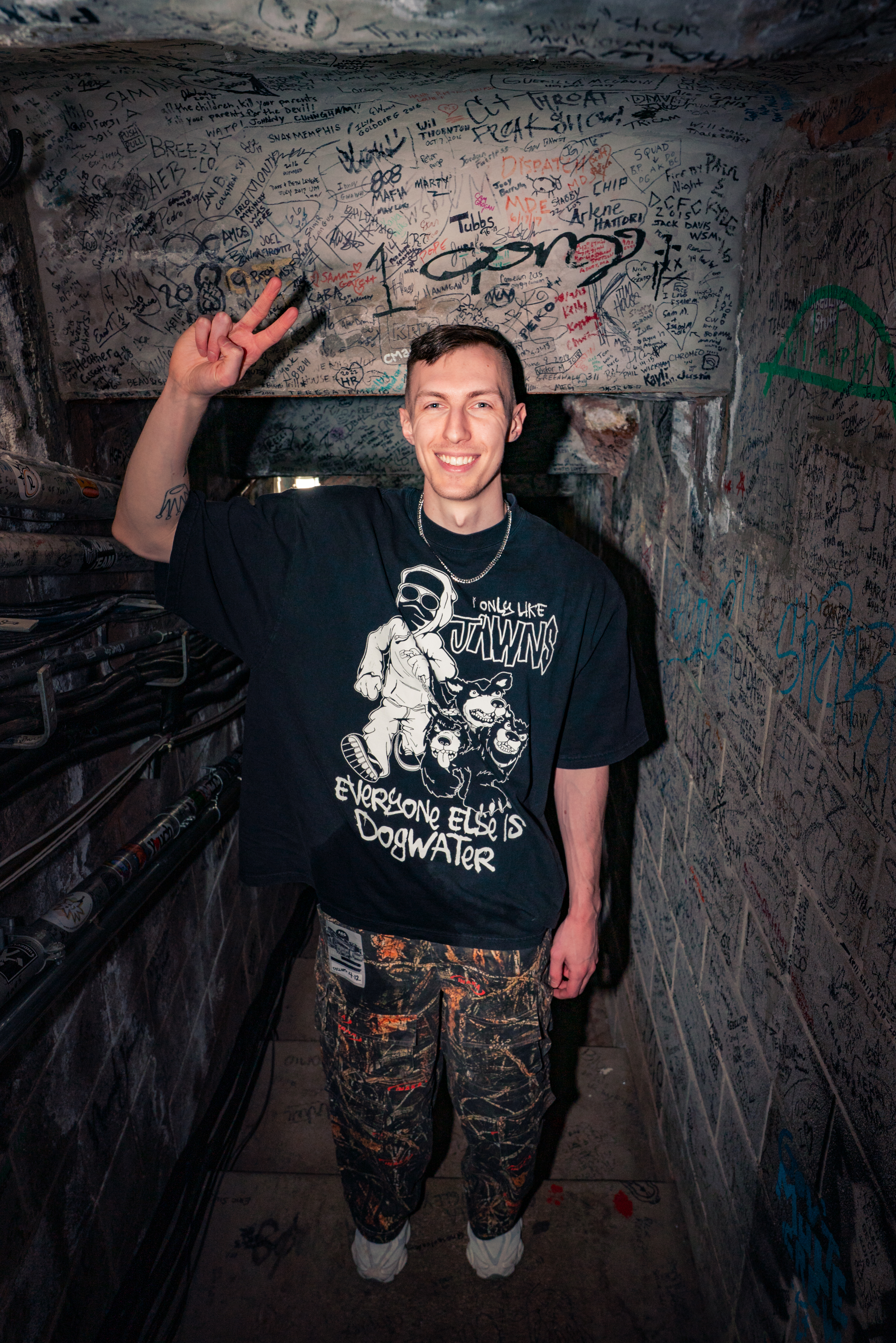
Cyclops has poured years of experimentation and inspiration into this pack, making it both mix-ready and creatively expansive. Whether you’re after punchy drums, soaring synths, or versatile vocals, you’ll find tools here to spark your next big track. Dive in and explore the sounds of Cyclops Dubstep—available now on Splice.