CTRL + Vox: Hey!Blondie’s Vocal Tools for Pop and EDM

CTRL + Vox by Hey!Blondie is a bold and expressive vocal toolkit built for modern pop and EDM production. Designed to plug directly into your creative flow, the pack delivers polished toplines, emotive ad-libs, and lush harmonies that are ready to inspire from the first listen. With six fully stacked song kits, expressive vocal loops, and flexible one-shots—all delivered in both dry and wet versions—CTRL + Vox gives producers a powerful foundation for building professional, emotionally resonant tracks.
Known for his dreamy, nostalgic vocal style, Hey!Blondie approaches vocal creation as a feeling-first process. Rather than chasing trends or overproduced perfection, CTRL + Vox focuses on authenticity, emotion, and versatility—giving producers the freedom to shape, layer, and transform vocals into something uniquely their own.
Our Interview w/ Hey!Blondie
CTRL + Vox feels both uplifting and emotional at the same time. What inspired the overall vibe of this pack?
I’ve always been drawn to sounds that make you feel nostalgic—melodies that carry sadness and happiness at the same time. I wasn’t trying to capture any one sound; I just wanted to create something that made me feel something real. Early Coldplay was a huge influence for me, especially their album X&Y. I’m sure those melodies are baked into my DNA at this point. Today, artists like Porter Robinson, Madeon, San Holo, Demotapes, and Illenium continue to inspire me, especially their use of lo-fi, emotional vocals in electronic music.
How does your process change when recording for a vocal pack versus your own music?
I actually tried not to approach it differently at all. I write by humming or singing along to a track until something clicks—it’s very meditative. I don’t think great music is really “written”; it’s received. I used that same mindset for this pack, creating small demo tracks and letting the melodies come naturally. Everything already exists out there—it’s just my job to catch it when it passes by.
What excites you most about producers using your vocals around the world?
This question honestly makes me emotional. The idea that something I created in my room could reach someone across the world and resonate with them is really special. It’s not about hearing my voice—it’s about hearing what people create from a small seed I’ve given them. If it stirs emotion in someone, that’s everything to me.
Do you have any tips for producers using CTRL + Vox for the first time?
Most of the toplines are minimally processed, so there’s a lot of room to shape them. I personally love big reverbs, especially on backing vocals like oohs and ahhs. One of my favorite tricks is freezing a heavily reverbed backing vocal, chopping it up, pitching it to follow the melody, and adding a volume shaper. It’s a beautiful way to add texture and depth to builds and drops.
How do you balance your own identity while creating vocals that are versatile for others?
I don’t find that difficult because the voice itself is already a fingerprint. I can sing in different styles or genres, but the core sound is always human and uniquely mine. Most of the toplines are pop-forward, but it’s still my voice. The versatility comes from how producers choose to use it—my identity is always there underneath.
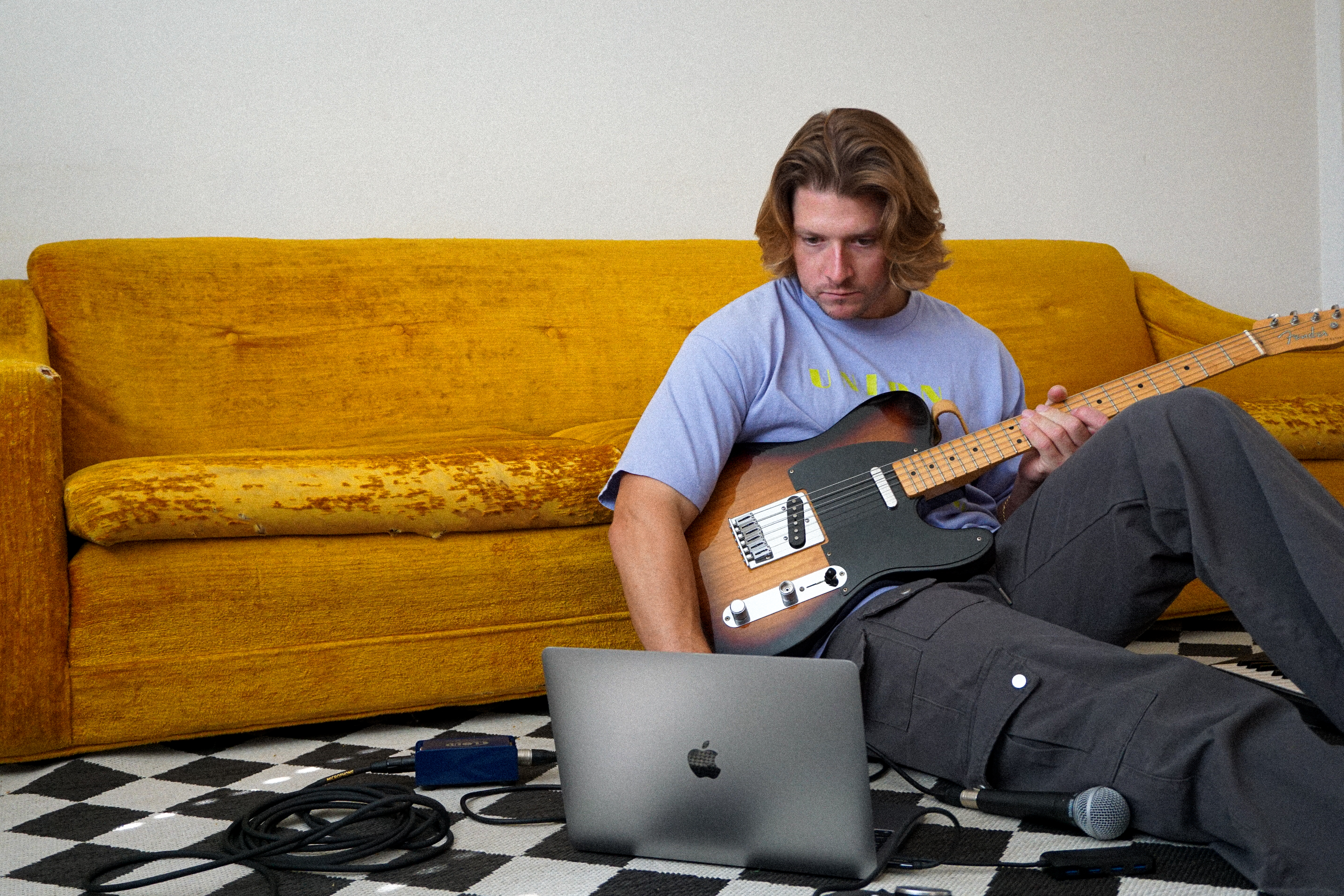
CTRL + Vox is designed to be more than just a collection of vocal samples—it’s a creative catalyst. Whether you’re building an emotional pop record, a high-energy EDM track, or something entirely your own, these vocals are meant to spark ideas, add depth, and help songs feel more human. With 100% royalty-free clearance and flexible dry and wet versions, CTRL + Vox invites producers to stop overthinking and start creating.