Limited Time: Get 50% off Splice Creator Annual. Subscribe now

Sounds
  1. Labels
  2. GOGOi
  3. Packs

GOGOi Packs

58 packs
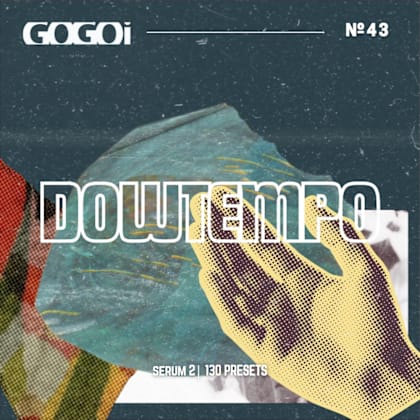
Downtempo For Serum 2
  • Downtempo
See all packs made by GOGOi
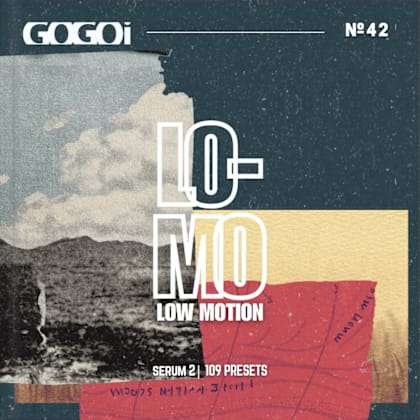
LO-MO for Serum 2
  • Downtempo
See all packs made by GOGOi

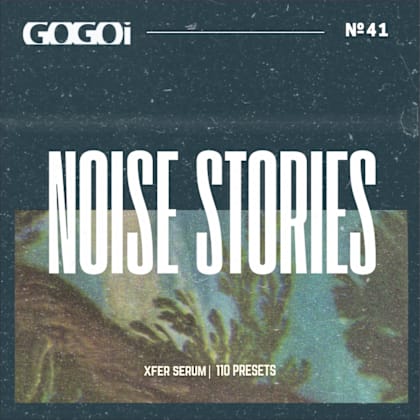
NOISE STORIES
  • Downtempo
See all packs made by GOGOi
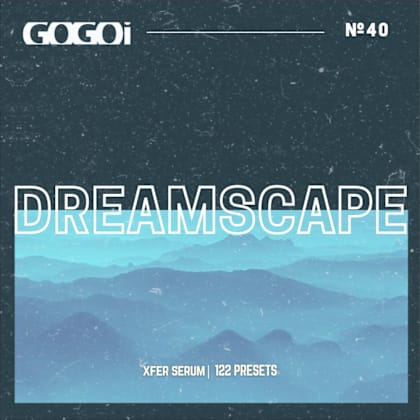
Dreamscape
  • Chillwave
See all packs made by GOGOi
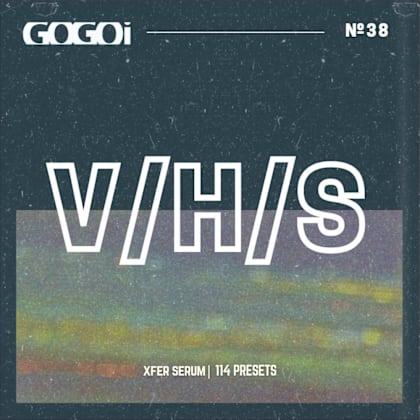
VHS
  • Synthwave
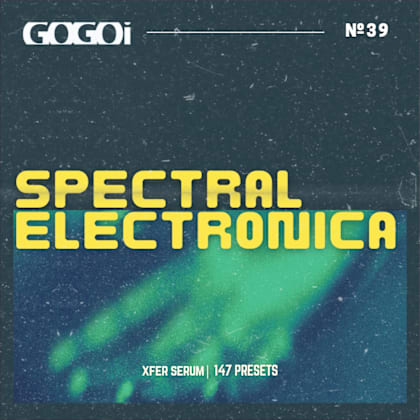
Spectral Electronica
  • Electronica
See all packs made by GOGOi
Ethereal Float
  • Chillwave
See all packs made by GOGOi
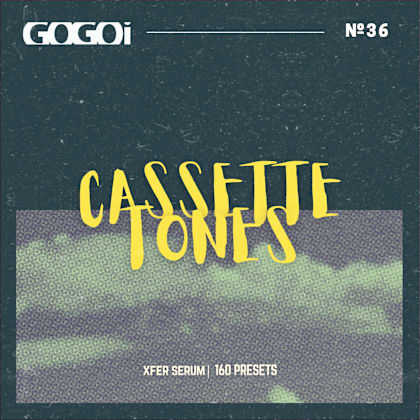
Cassette Tones
  • Chillwave
See all packs made by GOGOi
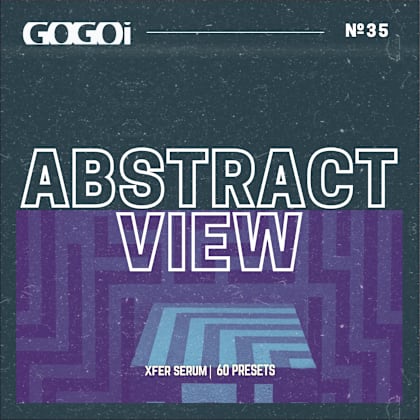
Abstract View
  • Ambient
See all packs made by GOGOi
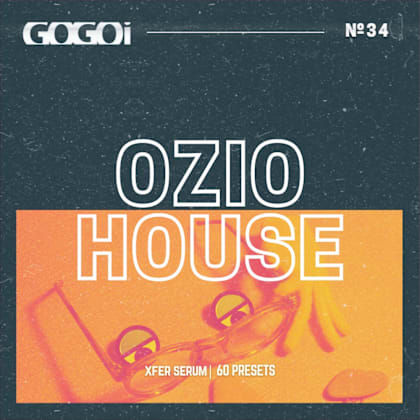
OZIO House
  • Electro House
See all packs made by GOGOi
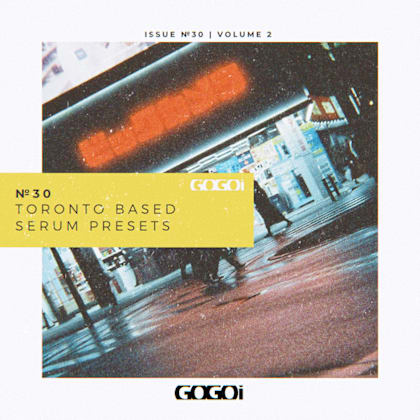
Toronto Based II
  • Hip Hop
See all packs made by GOGOi
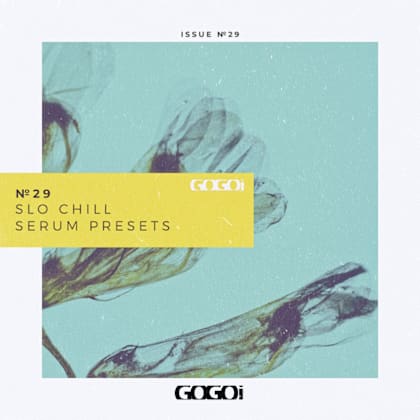
Slo Chill
  • Chillwave
See all packs made by GOGOi
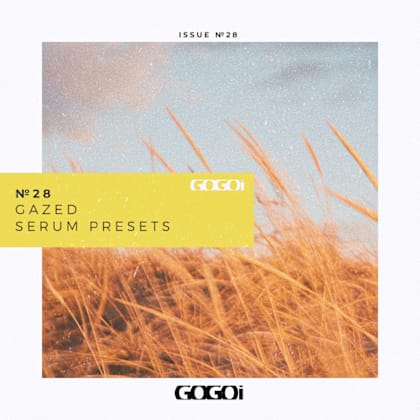
Gazed
  • Chillout
See all packs made by GOGOi
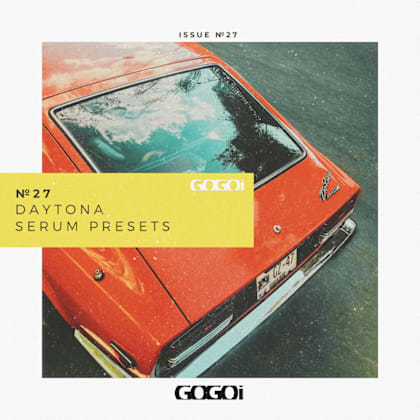
Daytona
  • Hip Hop
See all packs made by GOGOi
LO-END Theory
  • Hip Hop
See all packs made by GOGOi
SERENE
  • Downtempo
See all packs made by GOGOi
Psycadelic Dean
  • Experimental
See all packs made by GOGOi
Miami Coast
  • Synthwave
See all packs made by GOGOi
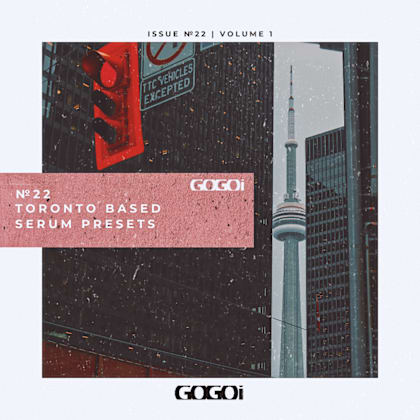
Toronto Based Vol. 1
  • Hip Hop
See all packs made by GOGOi
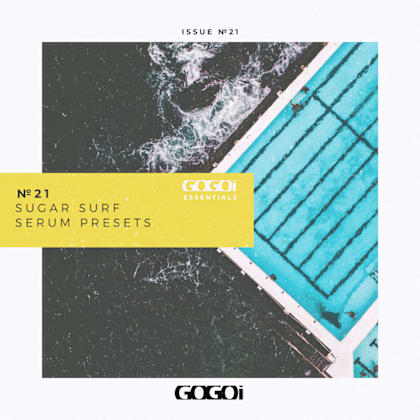
Sugar Surf Serum Presets
  • Chillwave
See all packs made by GOGOi
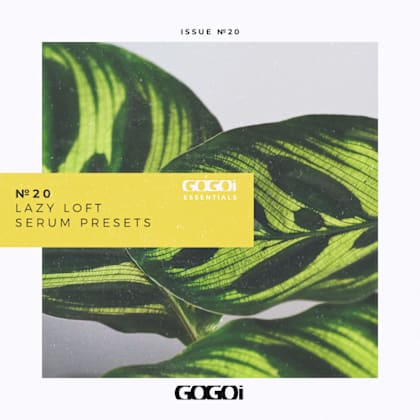
LAZY LOFT - Serum Presets
  • Trip Hop
See all packs made by GOGOi
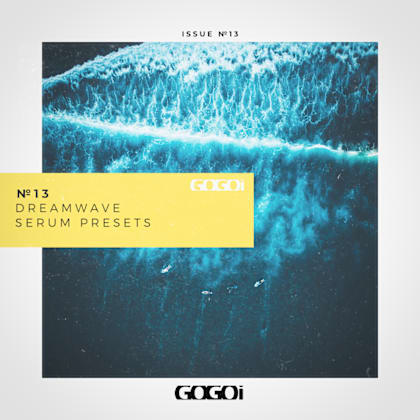
Dreamwave
  • Lo-fi
See all packs made by GOGOi
matteXnoise - Lo-fi House Serum
  • House
See all packs made by GOGOi
Los Angeles Synth Pop - Sylenth
  • Synth-pop
See all packs made by GOGOi
LO-FI Essentials - Serum Presets
  • Lo-fi Hip Hop
See all packs made by GOGOi
Slo-Mo: Serum Presets
  • Lo-fi Hip Hop
See all packs made by GOGOi
CloudPop Serum Presets
  • Pop
See all packs made by GOGOi
Studybeats Essential
  • Lo-fi Hip Hop
See all packs made by GOGOi
Lofi Hip Hop and Chill Volume 2
  • Lo-fi Hip Hop
See all packs made by GOGOi
Neon Soul
  • Neo Soul
See all packs made by GOGOi
Lofi Films - Serum Presets
  • Electronica
See all packs made by GOGOi
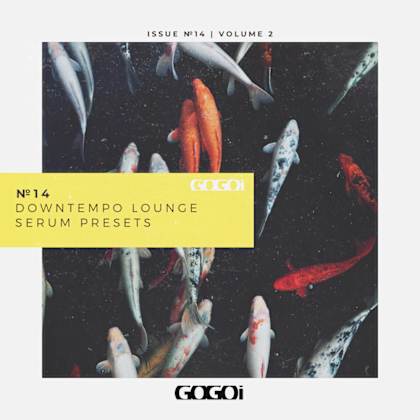
Downtempo Lounge Vol. 2
  • Downtempo
See all packs made by GOGOi
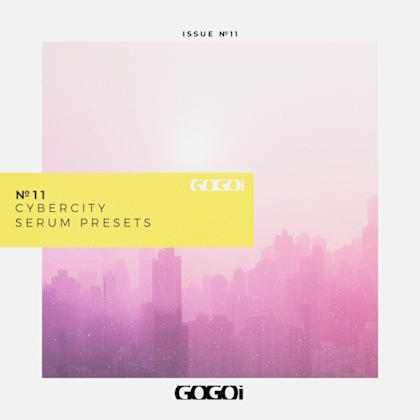
Cybercity: Serum Presets
  • Synthwave
See all packs made by GOGOi
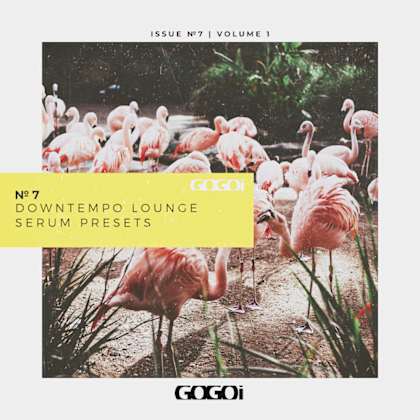
Downtempo Lounge Vol.1
  • Downtempo
See all packs made by GOGOi
Bloom
  • Chillwave
See all packs made by GOGOi
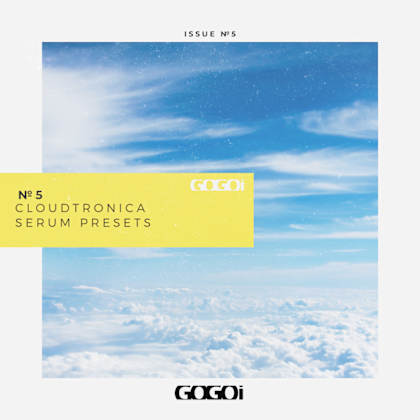
Cloudtronica Serum Presets
  • Indie Electronic
See all packs made by GOGOi
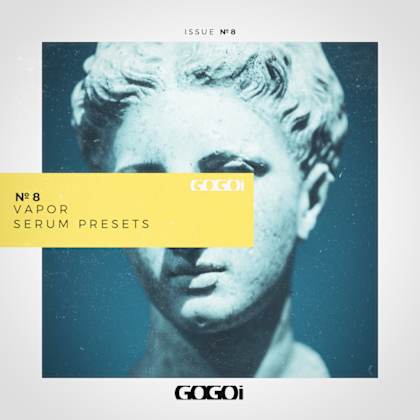
Vapor Serum Presets
  • Vaporwave
See all packs made by GOGOi
Tropical Vibes
  • Tropical House
See all packs made by GOGOi
Matte Noise - Outrun Ep. 3
  • Synthwave
See all packs made by GOGOi
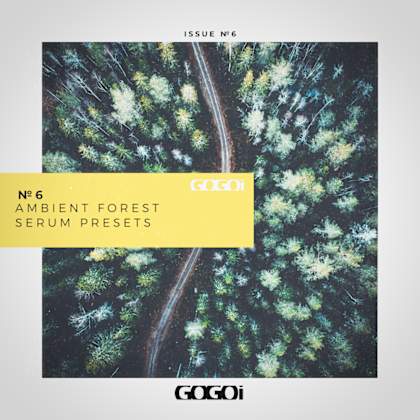
Ambient Forest - Serum Presets
  • Ambient
See all packs made by GOGOi
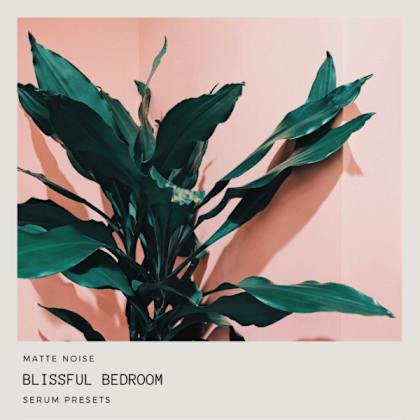
Blissful Bedroom
  • Chillwave
See all packs made by GOGOi
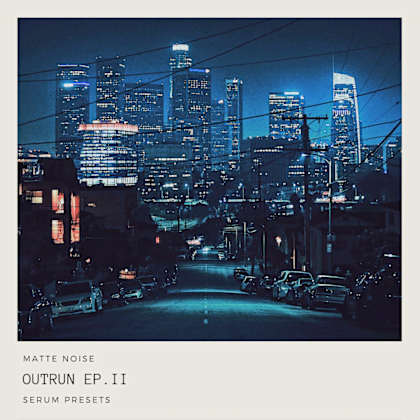
Matte Noise - Outrun Ep. 2
  • Synthwave
See all packs made by GOGOi
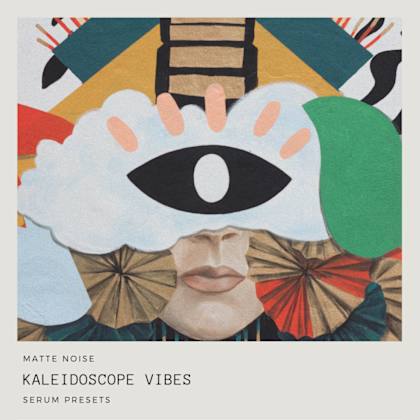
Matte Noise - Kaleidoscope Vibes
  • Indie Electronic
See all packs made by GOGOi
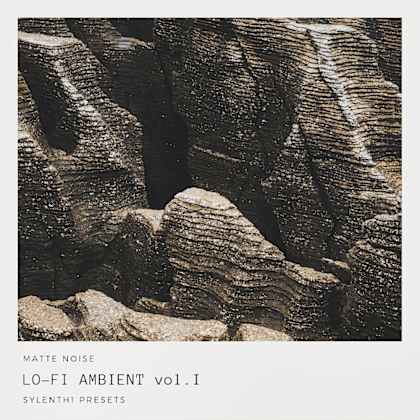
Lo-Fi Ambient Vol. 1
  • Ambient
See all packs made by GOGOi
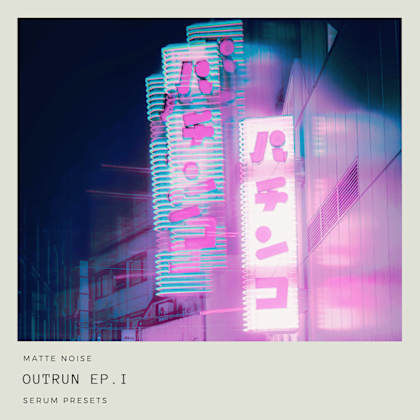
Matte Noise - Outrun Ep. 1
  • Synthwave
See all packs made by GOGOi
Blissful Lounge
  • Indie Electronic
See all packs made by GOGOi
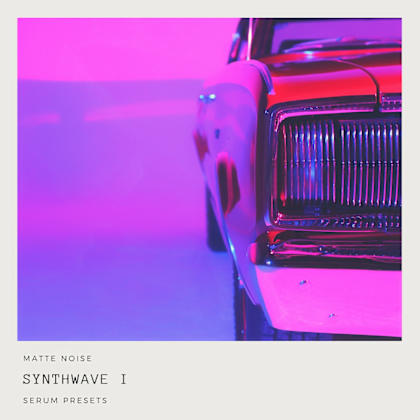
Synthwave 1
  • Synthwave
See all packs made by GOGOi
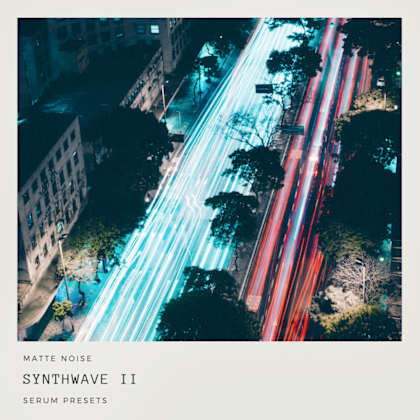
Synthwave 2
  • Synthwave
See all packs made by GOGOi
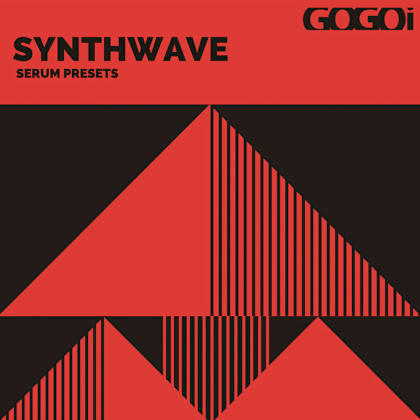
Synthwave for Serum
  • Synthwave
See all packs made by GOGOi
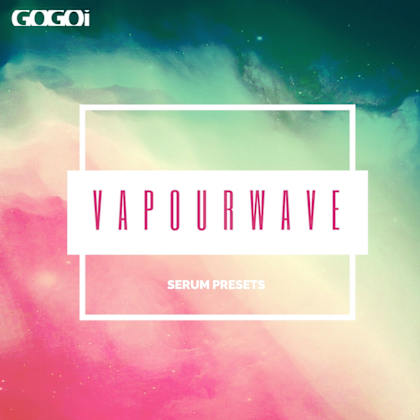
Vaporwave for Serum
  • Downtempo
See all packs made by GOGOi

FAQs

What is Splice Sounds?

Splice Sounds is an industry-leading catalog of royalty-free samples, loops, one-shots, MIDI and presets for music production. Browse sounds by genre, instrument, key, BPM, and more, preview individual sounds, search by text or audio, and download the ones that fit your track.

Are Splice sounds royalty-free?

Yes, every single sample on Splice is 100% royalty free, meaning they're free to use, even for commercial use. You can download samples on Splice, then make and release original music with those samples, and you don't owe Splice (or anyone else) any more than your subscription fee, even if your track goes viral.

Can I use Splice sounds for commercial use?

Yes. In fact, we can even supply you with documentation in case you ever need to prove that your music is royalty-free and properly licensed. The license for sounds you download from Splice Sounds permits use for commercial and non-commercial purposes so long as you remain in compliance with our Terms of Use.

Is my DAW supported?

Splice Sounds works with any DAW. Download samples and add them directly to your projects using the Splice Sounds Plugin (beta) or the Desktop App. All purchased samples are downloaded locally to your machine in .wav format.

Ableton Live, Fender Studio Pro, and Pro Tools users should use the Splice direct integrations in their DAWs for the best workflow experience, plus a rotating selection of free sounds for their projects.

For all other DAWs, download the free Splice Sounds Plugin (beta) to search, browse, and preview samples in your project's key and tempo. Then, subscribe to download sounds or create Variations.

How do Sounds credits work?

Use credits to download your favorite samples, loops, one-shots, presets, MIDI & more. All samples are one credit each. MIDI patterns and presets use up to three credits each. Unused credits automatically roll over to the next month. Keep everything you download, even if you cancel.

With our DAW integration plans for Ableton Live, Fender Studio Pro, and Pro Tools, you can license up to 100 individual samples per day by simply dragging and dropping the samples into your project. Once licensed, samples live in your Library, and you can download them at any time. With a Creator or Creator+ plan, you can also license up to 100 sounds per day directly in any of our native DAW integrations without using credits.

Do I have to download a full pack or can I download individual samples?

You can download individual samples on Splice, not just full packs. Every single sample, preset, MIDI, one shot, and loop on Splice is available for individual download, so you can only download what you need.

What happens to the sounds I download if I cancel?

Every sound you download is yours forever. Keep everything you download, even if you cancel. Learn more about our cancellation policy here.

Can't find your answer here?

Check out our Help Center, Licensing FAQ, or Plans FAQ for more information.