



Create magic year-round
Inspiration is ever-present with playable instruments from Splice, Spitfire Audio, and artist exclusives from John Legend, Philip Glass, and more
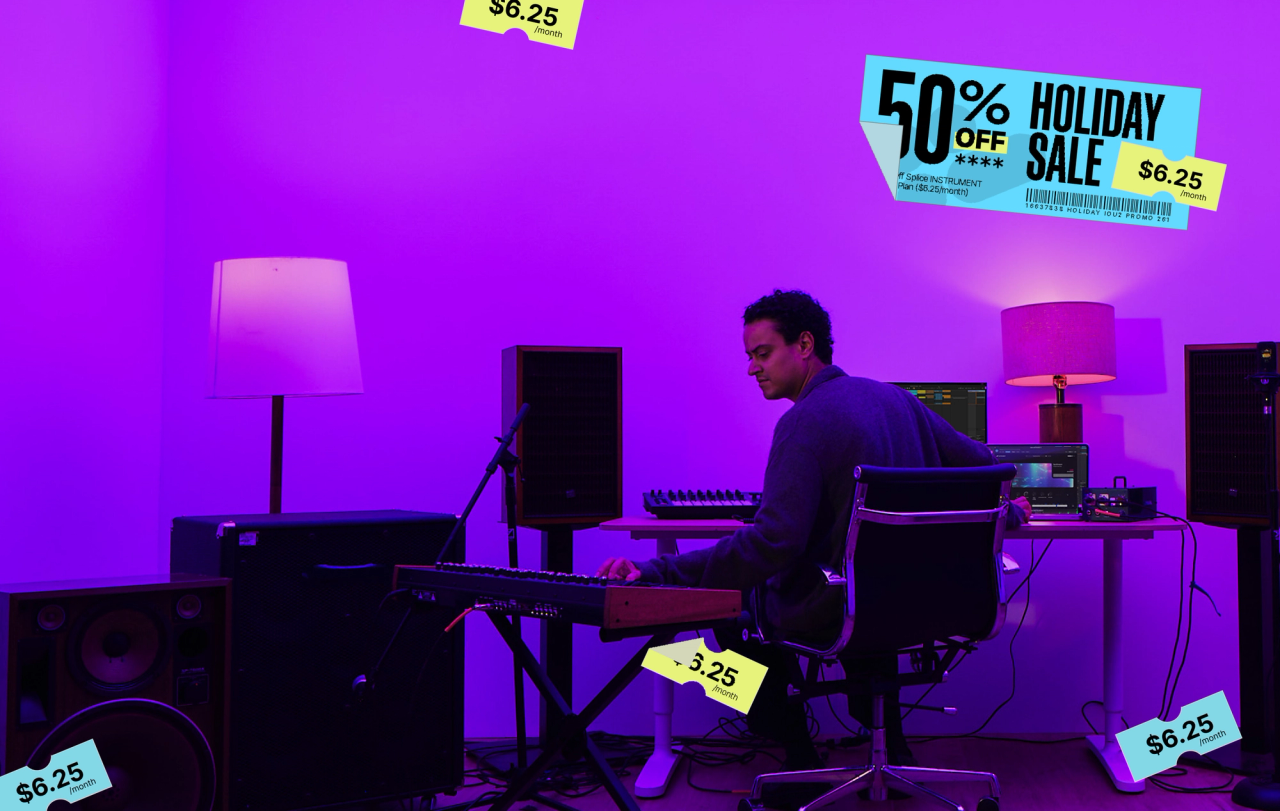
Get 50% off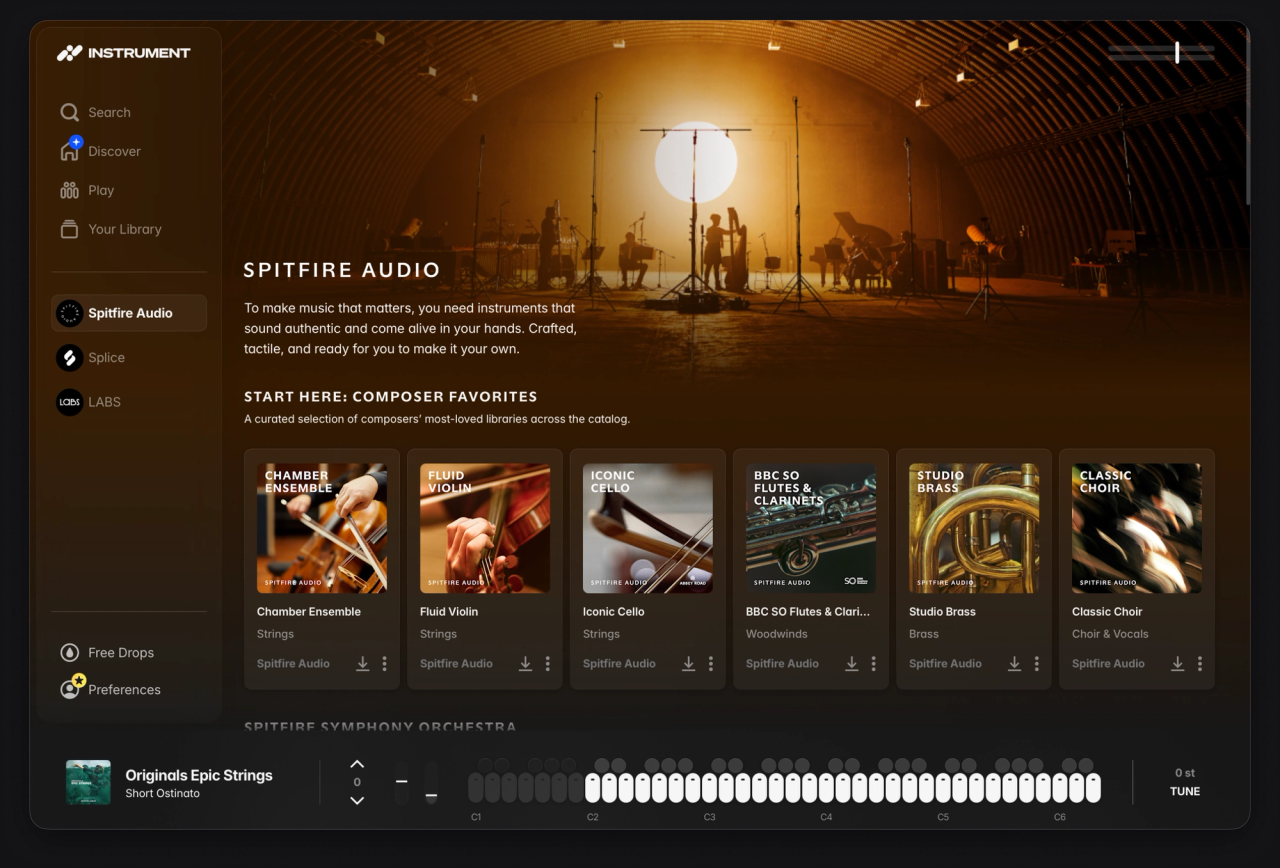
Inspiration is ever-present with playable instruments from Splice, Spitfire Audio, and artist exclusives from John Legend, Philip Glass, and more
Get 50% offJohn Legend
John’s acoustic and electric pianos are played by award winners, and award winners to be. Only available in Splice INSTRUMENT.
Get 50% off
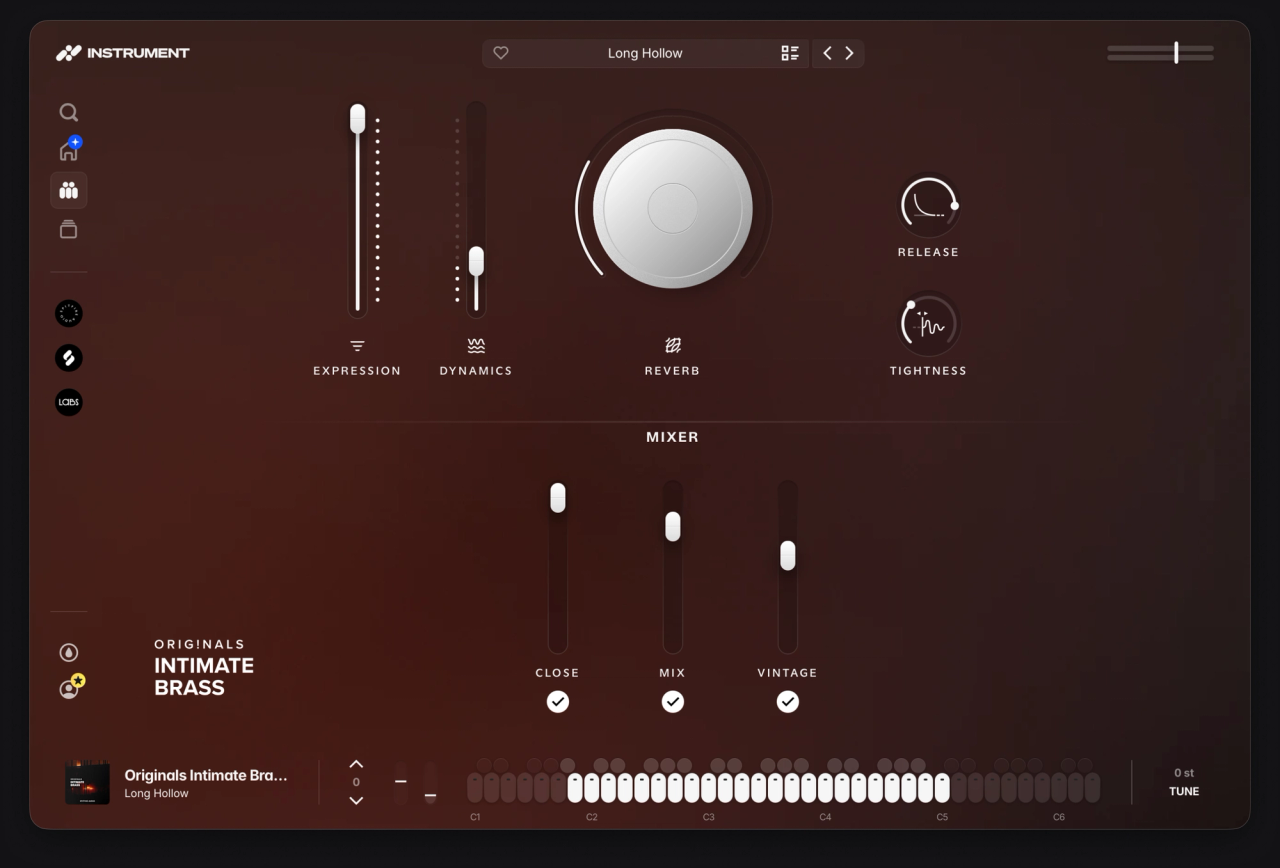
Ready-to-play synths, pianos, strings, and more. Recorded in the world's most iconic studios. Available in AU, VST3, and AAX
Get 50% off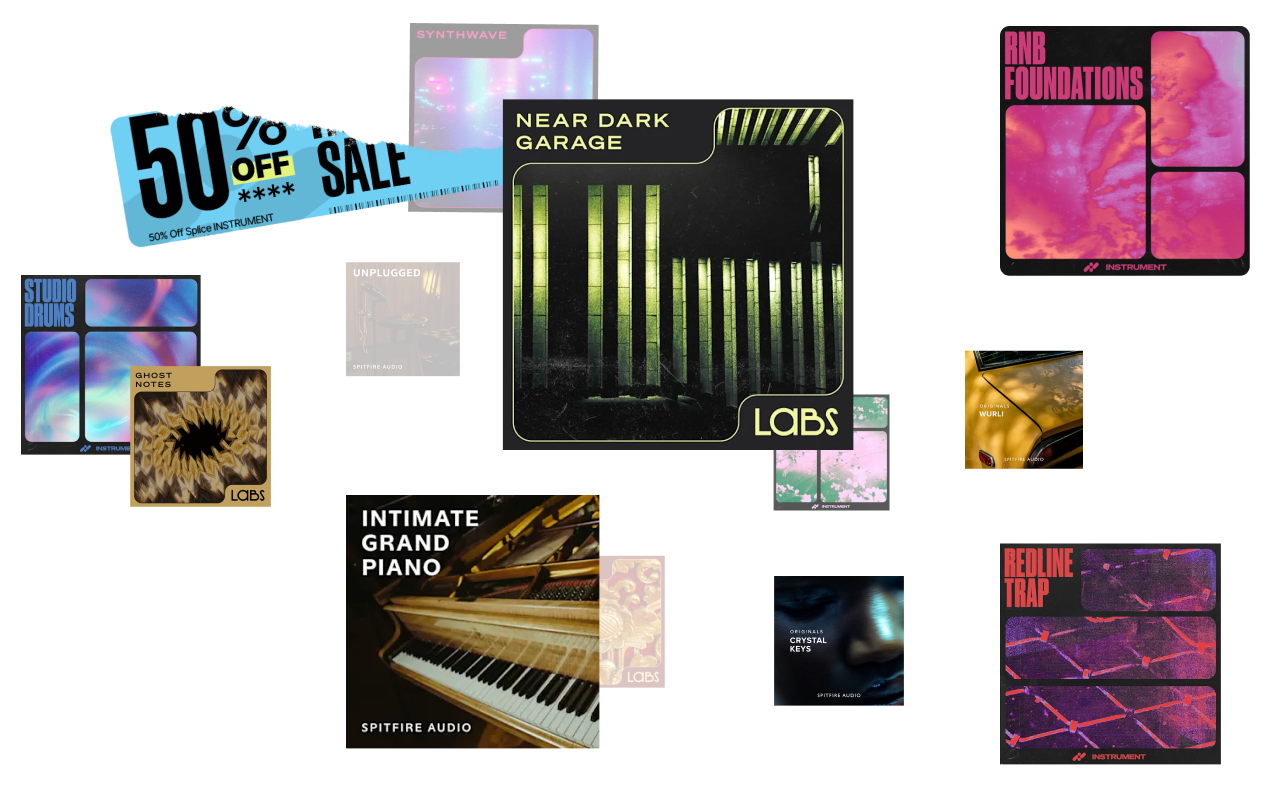
Cleared for commercial use, no strings attached
Keep everything you download, even if you cancel
Cancel your subscription at any time, no questions asked
*Restrictions may apply. Offer valid for new subscribers only.
Splice INSTRUMENT is a sample-based virtual instrument which can be downloaded as a plugin (VST3, AU, AAX) to be used directly in your DAW, or as a standalone application. Browse and download presets within INSTRUMENT and play them on a chromatic keyboard to turn your ideas into reality with 2 premium packs dropping every month so you'll always stay inspired.
Watch the walkthrough to see it in action.
Splice INSTRUMENT is free to download and use for anyone and you'll get access to regular Free Drops every month. You can find the installer here and in the Splice Desktop app.
To gain unlimited access to INSTRUMENT and its premium presets, subscribe to an INSTRUMENT plan.
As a Sounds+ subscriber, just upgrade to a Creator plan which currently includes unlimited access to INSTRUMENT premium presets.
If you're already on Creator or Creator+, right now you'll get unlimited access to INSTRUMENT instantly at no additional cost. See here for more details: Splice INSTRUMENT: Plans and Pricing
What's included with the Splice INSTRUMENT plan? How does it differ from a regular Splice Sounds plan?
You'll get full access to the Splice INSTRUMENT plugin, including unlimited access to all premium INSTRUMENT content and presets. This plan includes a regular cadence of exclusive INSTRUMENT packs released every month.
The Splice INSTRUMENT plan does not include monthly credit refills or full access to the Splice Sounds catalog. The packs and presets within Splice INSTRUMENT don't require credits to download, and are separate from the sample packs and third-party plugin presets available in the Sounds catalog.
For full access to Splice INSTRUMENT and monthly credits to spend on Splice Sounds, we recommend checking out our Creator plan.
All major DAWs that support VST, VST3, AU, or AAX plugin formats are supported. This includes (but is not limited to):
Unlimited access to INSTRUMENT premium presets is currently included in the Creator plan. We don't anticipate changes this year, and we'll be listening closely to our community to help shape how INSTRUMENT evolves in the future. INSTRUMENT will remain a permanent part of Creator+.
When opening INSTRUMENT for the first time, all of your currently installed LABS content will be added to the INSTRUMENT plugin automatically. INSTRUMENT will detect this content and work instantly, no need to download again.
Content that is installed from INSTRUMENT is not compatible with LABS. For more detailed information, please see the article here: Migrating to Splice INSTRUMENT from LABS
View our INSTRUMENT Support Center for more information.