RX 11 Standard
The total toolkit for audio cleanup and editing. Automatically repair rough audio in your DAW session with the new Repair Assistant plug-in, surgically isolate stems and vocals in stereo mixes with Music Rebalance, and so much more.
By iZotope
- Per month
- $19.99
- Months to own
- 20
- Free trial
- 3 days
- Formats
- AU, AAX, VST3
No interest or hidden fees • Cancel any time
Need a hand?
Clean up tracks faster than ever with enhanced precision. Polish dialogue and sung vocals with ease thanks to new machine learning tech, and make final tweaks with deeper controls. Get the best result with different processing suggestions, as well as three different intensities (light, medium, or aggressive) for each.
And more!
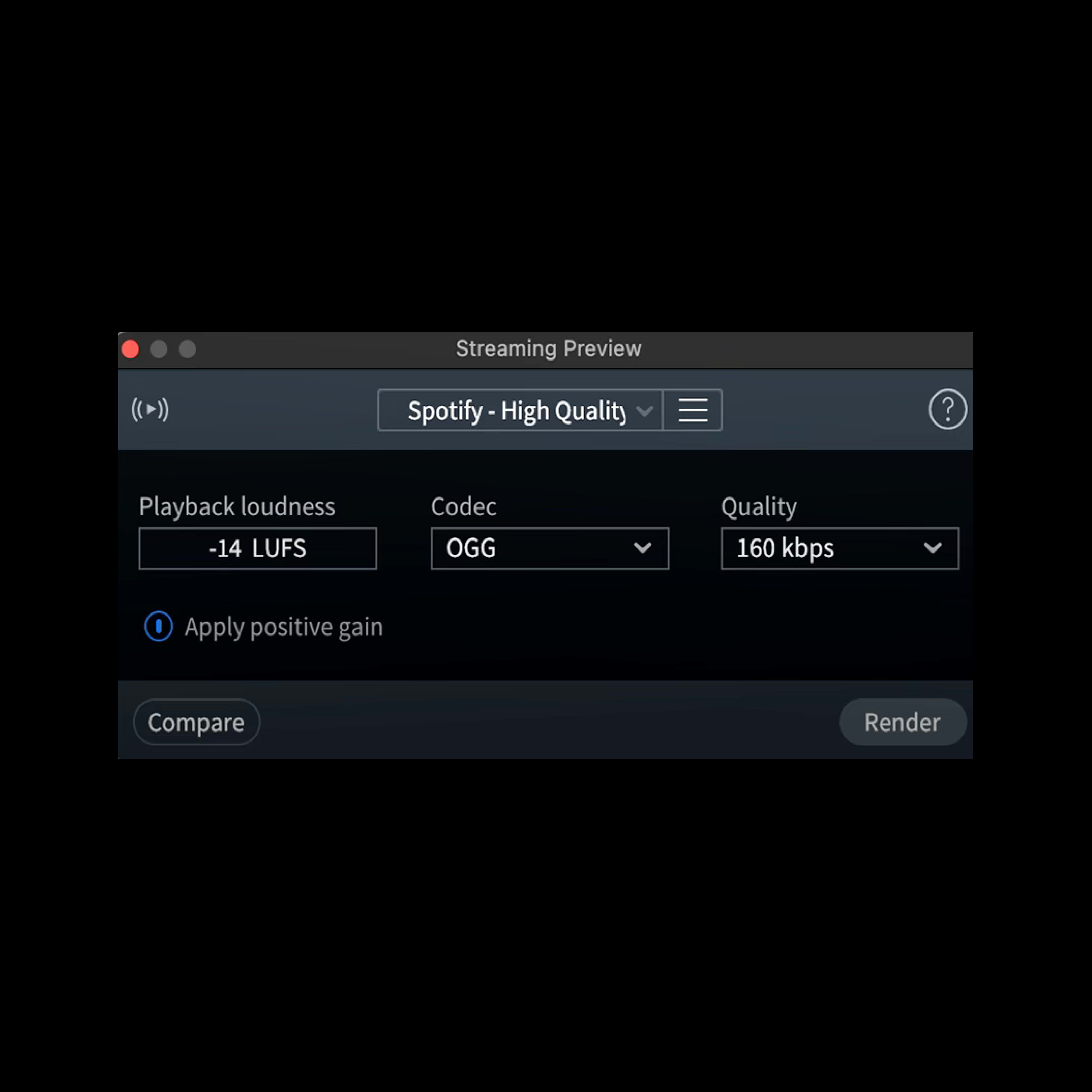
Release-ready
Now you can preview your tracks as the rest of the world will hear them with the all new Streaming Preview, with multiple platforms to choose from.
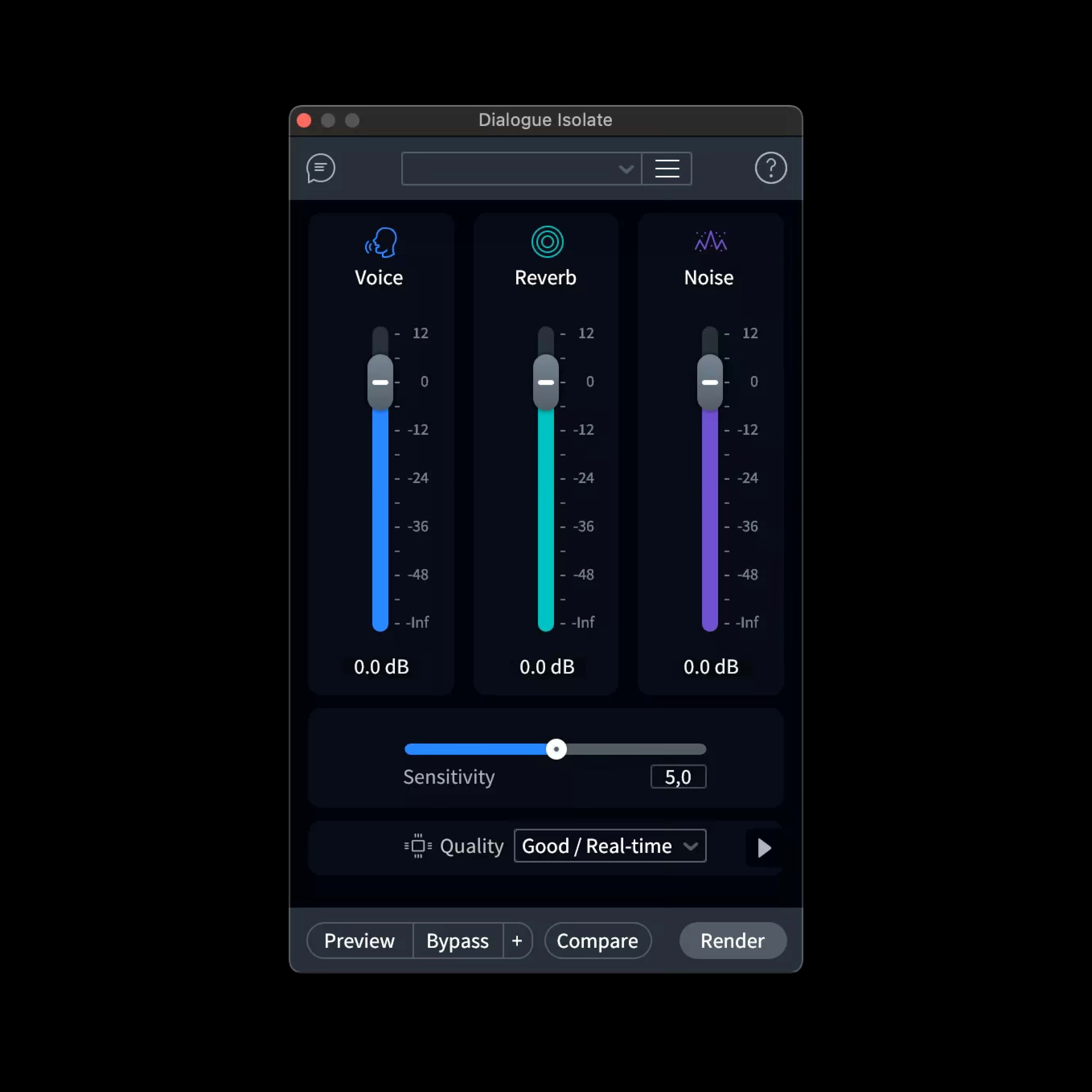
Isolate with precision
We’ve overhauled Dialogue Isolate, adding in Dialogue De-reverb and state-of-the art machine learning that enables lightning-fast (real time) processing.
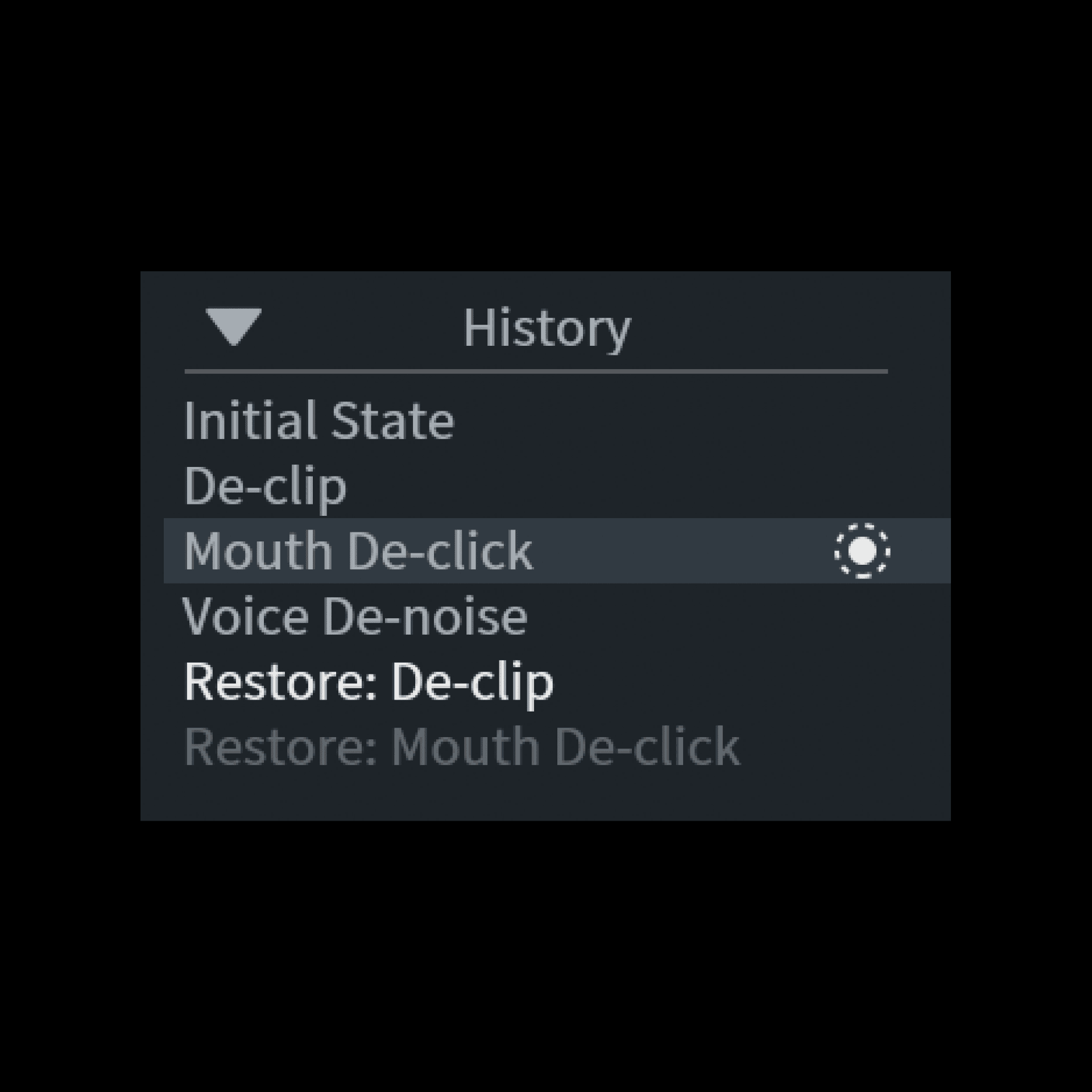
Roll back any processing
Return an audio selection to any previous step in the History list to get the best combined audio processing from any point in time.
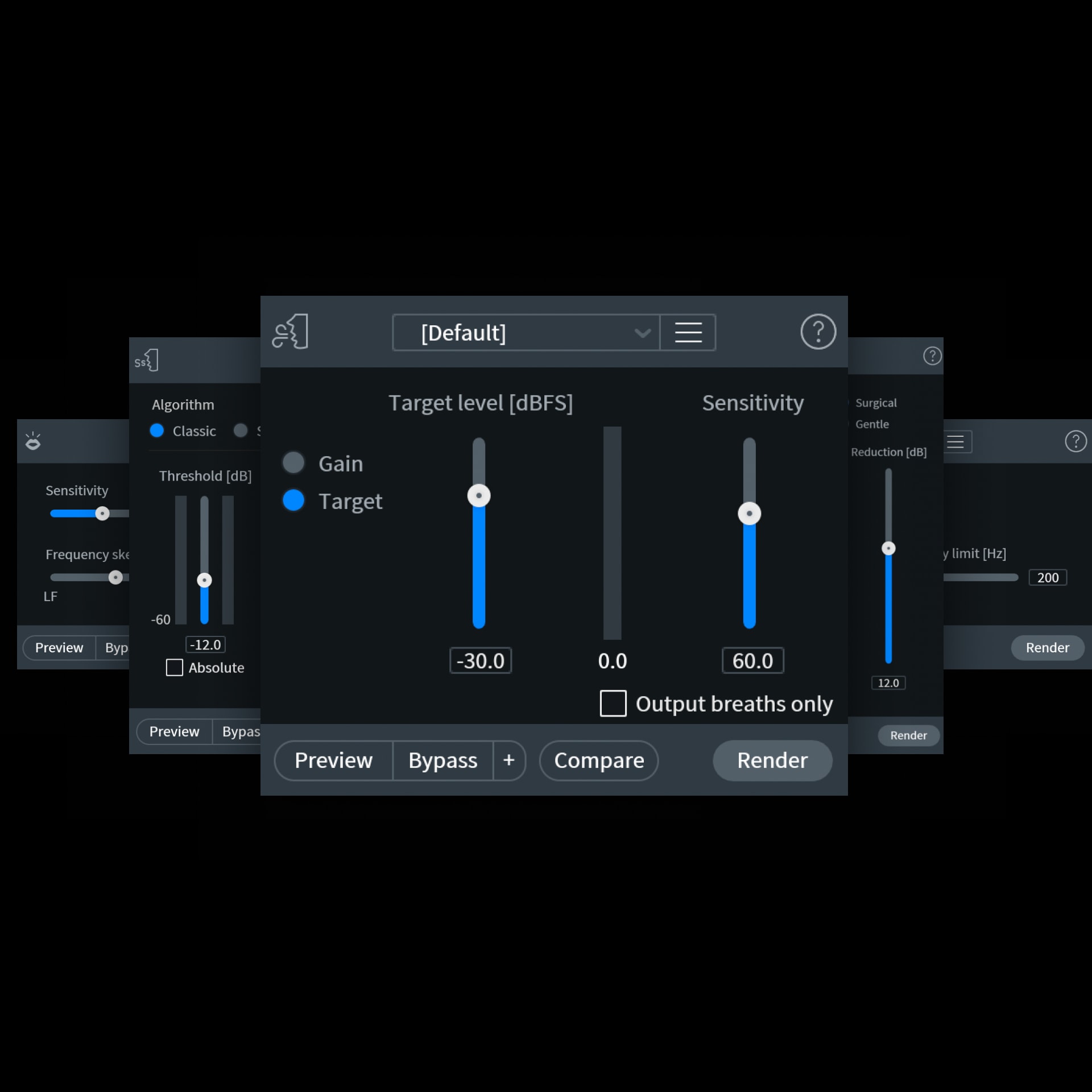
De-clip, De-Noise, De-Click, De-Reverb
De-ess, de-click, and de-noise vocal tracks and eliminate sudden background noises.
Rent-to-own
- Try free for 3 days
- Cancel at any time
- No hidden fees or interest
- Yours to keep after 20 months
RX 11 Standard
iZotope
Trial offer
$399.80 full price
$19.99 /mo. for 20 months
Try free for 3 days
Start your free trialNo interest or hidden fees • Cancel any time
Product Information
Used on countless albums, movies, and TV shows to restore audio from problematic to pristine condition, RX 11 Standard is a complete toolkit for audio cleanup. Find and repair issues with the improved Repair Assistant plug-in, instantly remove hum and interference with dynamic De-hum, rebalance your mix and create stems with Music Rebalance, and clean up unwanted sounds directly in Logic® using the Spectral Editor built on ARA. Use the standalone audio editor or as plug-ins inside your favorite DAW or NLE to surgically improve any recording.
What's included (in the standalone RX 11 Audio Editor app):
- Repair Assistant
- Music Rebalance
- Voice De-noise
- Guitar De-noise
- Spectral De-noise
- Mouth De-click
- De-ess
- De-click
- De-reverb
- De-plosive
- De-clip
- De-hum
- De-crackle
- Breath Control
- Loudness Control
- Spectral Repair
- Variable Time & Pitch
- Composite View
- and more...
What's included (as plugins you can load in your DAW):
- Music Rebalance [NEW]
- Dialouge Isolate [NEW]
- Streaming Preview [NEW]
- Repair Assistant [IMPROVED]
- Voice De-noise
- Guitar De-noise
- Spectral De-noise
- Mouth De-click
- De-ess
- De-click
- De-reverb
- De-plosive
- De-clip
- De-hum
- De-crackle
- Breath Control
- Spectral Editor (ARA 2.0 plugin in Logic Pro X only)
- See the full features list on iZotope's website here.


Compatible with macOS and Windows. All plug-in formats are 64-bit only.
Available as AU, AAX, AAX Audiosuite, VST3, AU ARA. VST2 is no longer supported.
System Requirements
- For the most up-to-date system requirements and host compatibility details, please visit the manufacturer's website.
- Mac: macOS Monterey (12.7.5), macOS Ventura (13.6.7), macOS Sonoma (14.5)**
- *AU/macOS supported on Intel Macs & Apple silicon Macs, in Rosetta 2 and native
- Windows: Windows 10 — Windows 11
- AAX, AU, VST3. All plug-in formats are 64-bit only
Splice Requirements
While renting software through Splice, the Splice Desktop App must be opened every three days. The current operating system requirements for Splice Desktop are:
- — macOS 12+
- — Windows 10+
Learn more about the Splice Desktop App's operating system requirements.
FAQs
How does Rent-to-Own work?
Try RX 11 Standard free for 3 days, then pay for it in 20 monthly payments. Once you've paid it off, you'll redeem a lifetime license and the plugin is yours forever. You can also pay off your remaining balance at any time to own it sooner.
Is this the full version of RX 11 Standard?
Yes, your copy of RX 11 Standard will offer the complete range of features you find in those purchased directly from iZotope, and will be the most up-to-date version of the software.
Is there any interest or extra charge?
There's no interest, extra charge, or hidden fee associated with the Rent-to-Own model. You will pay roughly the same amount through Rent-to-Own as you would if you were to buy RX 11 Standard directly from iZotope at a non-discounted price.
What happens if I cancel my plan?
If you cancel your plan, you will keep access to your RX 11 Standard plan until the end of your current billing cycle. For so long as Splice offers the product, you may resume your plan and continue your payments.
Will I get access to the newest RX 11 Standard updates?
Yes, your Rent-to-Own plan will give you seamless updates to the latest versions of RX 11 Standard via the Splice desktop app.
Can I install RX 11 Standard on multiple computers?
You can install your copy of RX 11 Standard on up to 2 computers.