Sounds
  1. Sounds
  2. Noisia ∴ Sample Pack Vol. 3
  3. Stories

A note from Noisia


We have been collecting our own samples since 2002. So as you can imagine we have collected quite a few. When you like making sounds, you make more than you use. Going on another deep dive through them resulted in another whole pack. Some of the sounds we might have held on to before, some were rediscovered.

These sounds were made with a huge variety of tools over the years. When we started out, hardware was still king, and software was just coming out of the tracker era into the VST era. Some of the sounds will have been made with early versions of Cubase, with synths like Albino, GakStoar, Synth1, Reaktor (called Generator back then), and effects like Antares Tube, Izotope Trash, Kjaerhus Bundle, Anarchy FX and early Waves and Native Instruments stuff. We used some outboard in too, a Boss OD box, an old desk, Roland MC505 and 303, Yamaha RM1X, Yamaha A3000 Sampler, Korg N5 and Access Virus TI.

Not long after we started the amount of VSTs and options available skyrocketed. We started sampling and resampling more, using Kontakt a lot and FM8, as well as newer versions of Reaktor and the addition of Guitar Rig to the NI arsenal. Sylenth appeared, as well as countless other softsynths and effects. A lot of tracks were arranged using audio, because we'd still often abuse the CPU way too much with long FX chains. Running all the sounds live wasn't an option.

Later, outboard wise a Korg SV1 and Roland Integra were added, and Fabfilter plugins became mainstays. At some point Serum came along and changed the game. Superior Drummer made dreams come true. Too many to mention. CPU's became faster and the software was more stable, we could run more VST chains live without risk. We also incorporated different sequencers like Ableton Live and Bitwig, as well as a growing modular setup.

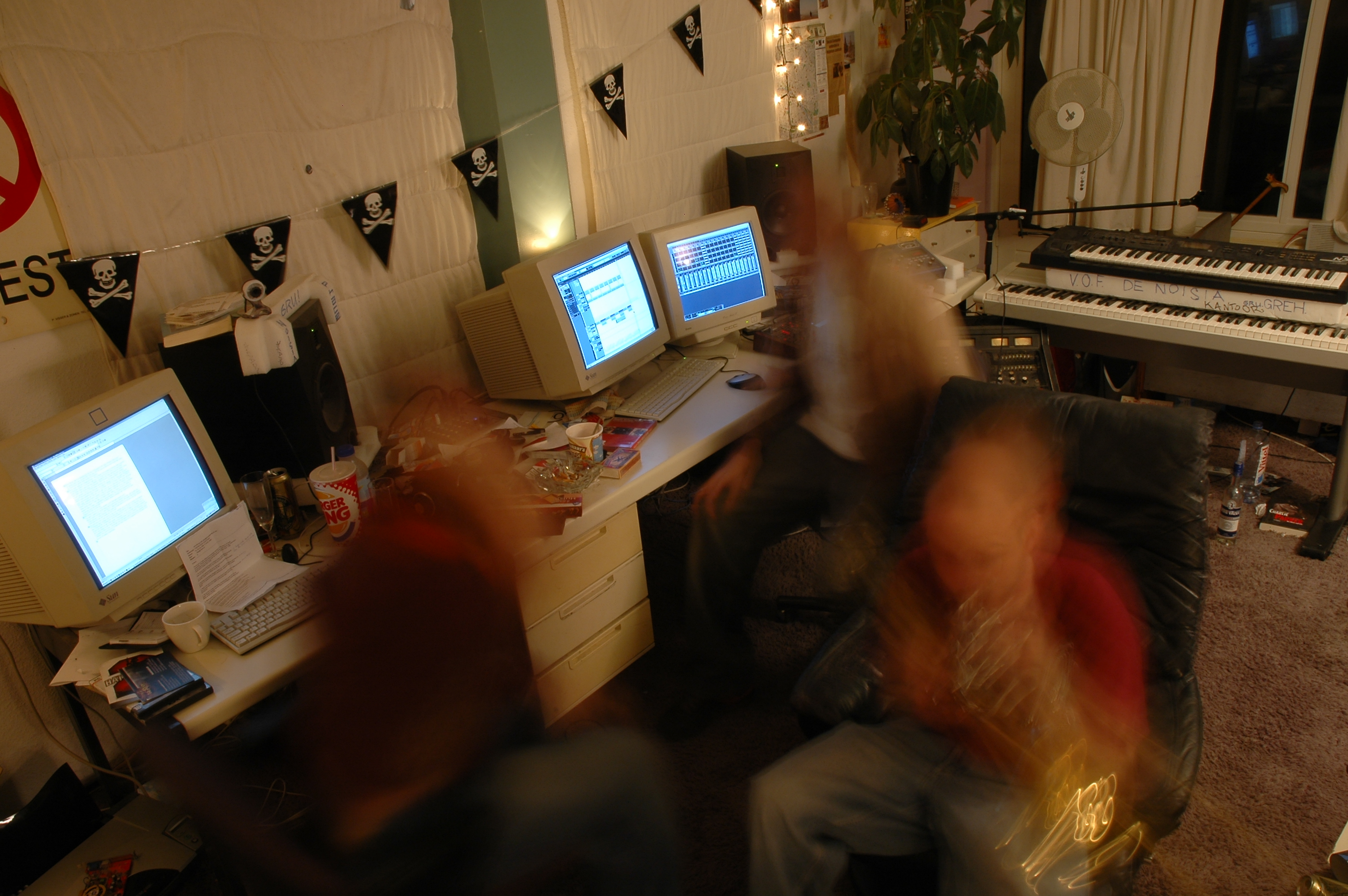
These samples were made across three studios - our improvised bedroom studios, our first 'real' studio that we insulated ourselves, and our final Northward Acoustics spaceships. The workflow changed constantly. Quick to be bored by repeating a process, we'd always be looking for new ways to make sounds. Like that one time we stuck some rolling paper to a small pc speaker and recorded the flapping. Or when we drew sounds in Photosounder to try and reverse engineer audio visualisation. The results varied wildly, and luckily we picked the cool sounds for you - cause rest assured, we also made a lot of...well, crap.

TL;DR: Here's a bunch more sounds :D

FAQs

What is Splice Sounds?

Splice Sounds is an industry-leading catalog of royalty-free samples, loops, one-shots, MIDI and presets for music production. Browse sounds by genre, instrument, key, BPM, and more, preview individual sounds, search by text or audio, and download the ones that fit your track.

Are Splice sounds royalty-free?

Yes, every single sample on Splice is 100% royalty free, meaning they're free to use, even for commercial use. You can download samples on Splice, then make and release original music with those samples, and you don't owe Splice (or anyone else) any more than your subscription fee, even if your track goes viral.

Can I use Splice sounds for commercial use?

Yes. In fact, we can even supply you with documentation in case you ever need to prove that your music is royalty-free and properly licensed. The license for sounds you download from Splice Sounds permits use for commercial and non-commercial purposes so long as you remain in compliance with our Terms of Use.

Is my DAW supported?

Splice Sounds works with any DAW. Download samples and add them directly to your projects using the Splice Sounds Plugin (beta) or the Desktop App. All purchased samples are downloaded locally to your machine in .wav format.

Ableton, Fender Studio Pro, and Pro Tools users should use the Splice direct integrations in their DAWs for the best workflow experience, plus a rotating selection of free sounds for their projects.

For all other DAWs, download the free Splice Sounds Plugin (beta) to search, browse, and preview samples in your project's key and tempo. Then, subscribe to download sounds or create Variations.

How do Sounds credits work?

Use credits to download your favorite samples, loops, one-shots, presets, MIDI & more. All samples are one credit each. MIDI patterns and presets use up to three credits each. Unused credits automatically roll over to the next month. Keep everything you download, even if you cancel.

With our DAW integration plans for Ableton Live, Fender Studio Pro, and Pro Tools, you can license up to 100 individual samples per day by simply dragging and dropping the samples into your project. Once licensed, samples live in your Library, and you can download them at any time. With a Creator or Creator+ plan, you can also license up to 100 sounds per day directly in any of our native DAW integrations without using credits.

Do I have to download a full pack or can I download individual samples?

You can download individual samples on Splice, not just full packs. Every single sample, preset, MIDI, one shot, and loop on Splice is available for individual download, so you can only download what you need.

What happens to the sounds I download if I cancel?

Every sound you download is yours forever. Keep everything you download, even if you cancel. Learn more about our cancellation policy here.

Can't find your answer here?

Check out our Help Center, Licensing FAQ, or Plans FAQ for more information.